
What if your app’s architecture is secretly the reason bugs keep coming back?
MVC can stop that, when you use it right.
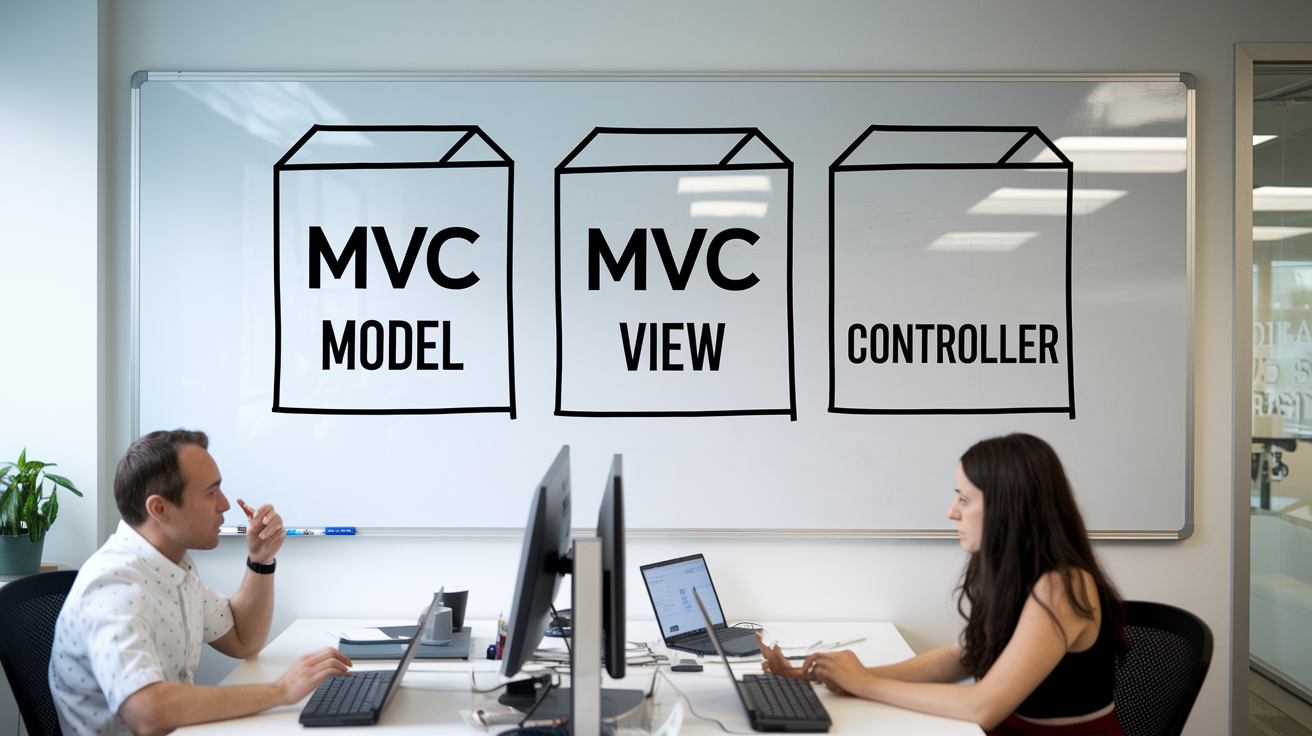
Think of MVC like traffic control: Model stores the data, View shows the road, Controller directs cars so nothing crashes.
This post drills into how those parts should talk, where people trip up (hello, fat controllers), and the exact five-step flow to follow.
Read on and you’ll be able to place code where it belongs, make debugging simpler, and keep teammates from stepping on each other’s work.
Understanding the MVC Pattern and Its Core Purpose

MVC is an architectural design pattern that splits an application into three interconnected components: Model, View, and Controller. Each component handles a distinct part of the application’s logic. The Model manages data and business rules. The View displays information to the user. The Controller processes input and coordinates updates between the Model and View. This separation keeps code organized and prevents different concerns from tangling together.
The pattern solves a fundamental problem in software development: as applications grow, mixing presentation logic, data management, and input handling in one place becomes messy and hard to maintain. MVC enforces boundaries. When you need to change how data is displayed, you touch only the View. When business rules change, you update only the Model. When you add a new user action, you wire it through the Controller. This structure makes testing easier because you can verify each component independently. It also lets multiple developers work on the same application without stepping on each other’s code.
Here’s what each component is responsible for:
Model stores and manages application data, enforces business rules, performs validation, handles database interactions, and notifies other components when data changes.
View renders the user interface, applies layout and styling, responds to user interactions by forwarding events, and updates the display when the Model changes.
Controller receives user input from the View, processes and validates that input, updates the Model with new data, selects which View to display, and coordinates navigation between different screens or pages.
A simple student management example shows the pattern in action. The Model defines a Student with fields like name and roll number. The View displays student details through a method like printStudentDetails. The Controller provides methods such as setStudentName, setStudentRollNo, and updateView to coordinate changes. When a user edits a student’s name, the View captures the input, the Controller validates it and updates the Model, and the View re-renders to show the new name. Each piece stays focused on its own job.
Causes Behind MVC Architectural Problems and Confusion

Developers new to MVC often struggle because the Controller sits between the Model and View, acting as a middleman. This mediator role can blur the lines between where logic belongs. A common mistake is stuffing too much logic into the Controller. Validation, formatting, business rules, and routing all piled into one place. When that happens, the Controller becomes a “fat controller,” violating the single responsibility principle and making the code hard to test or reuse. Another frequent error is letting the View perform validation or data transformations, which should live in the Controller or Model. Some developers also put UI concerns into the Model, mixing data logic with presentation decisions.
Confusion also stems from the request lifecycle. In a web application, a user clicks a button, the View forwards that event to the Controller, the Controller updates the Model, the Model notifies the View, and the View re-renders. That’s a five step pipeline, and each step must happen in order. When developers skip a step or let components talk directly to each other without going through the Controller, the pattern breaks down. The result is spaghetti code where responsibilities overlap and changes ripple unpredictably.
Here are the typical causes behind MVC architectural problems:
Unclear boundaries between components, leading to logic that belongs in the Model ending up in the Controller or View.
Misunderstanding the request/response cycle, so controllers call views directly or views update models without controller involvement.
Fat controllers that handle input processing, business logic, validation, formatting, and routing all in one place.
Lack of clarity about how the Controller should update the Model and instruct the View, resulting in duplicated state or inconsistent displays.
MVC Component Breakdown and How Each Part Solves Structural Issues

Each MVC component addresses a specific architectural challenge. By keeping responsibilities separate, the pattern prevents the mess that happens when one part of the code tries to do everything. The Model solves the problem of data integrity and business rule enforcement. The View solves the problem of changing UI requirements without touching backend logic. The Controller solves the problem of handling user input in a testable, reusable way. When these boundaries are respected, refactoring becomes straightforward and bugs are easier to isolate.
Model
The Model is your application’s data layer and business logic engine. It stores the current state of your application, enforces rules about what data is valid, and manages interactions with databases or APIs. In an e-commerce app, the Model might represent products, users, and orders, with methods to calculate discounts, check inventory, and validate payment information. The Model doesn’t know anything about buttons or forms. It just knows that a product has a price and a quantity, and it can tell you if there’s enough stock to fulfill an order. When the Model’s data changes, it notifies observers (usually the View) so they can update the display.
View
The View is the presentation layer. It decides what the user sees and how information is laid out on the screen. In a student management app, the View might display a list of students with their names and roll numbers, styled with CSS and arranged in a table. The View is passive. It doesn’t make decisions about data. It receives data from the Model (via the Controller) and renders it. When a user clicks a button or types into a form, the View captures that event and forwards it to the Controller. It doesn’t validate the input or update the Model directly. That keeps the View simple and lets you swap out the UI without rewriting business logic.
Controller
The Controller is the coordinator. It receives user input from the View, decides what to do with it, updates the Model, and tells the View to refresh. In a to-do app, when a user clicks “Mark Complete,” the View sends that event to the Controller. The Controller validates the request, updates the task’s completed field in the Model, and calls the View’s render method to show the updated list. The Controller also handles routing, deciding which View to display based on the current state or URL. This separation means you can change how tasks are displayed without touching the logic that marks them complete.
| Component | Responsibilities | Example |
|---|---|---|
| Model | Store data, enforce business rules, validate input, manage database interactions, notify observers of changes | Student object with name and roll number; methods to get and set fields; validation that roll number is positive |
| View | Render UI, apply layout and styling, capture user events, forward events to Controller, update display when Model changes | StudentView with a printStudentDetails method that formats and displays name and roll number; form for editing |
| Controller | Process user input, validate and transform data, update Model, select and update View, coordinate navigation | StudentController with setStudentName, setStudentRollNo, and updateView methods; handles form submission |
Understanding MVC Data Flow and Application Behavior

The MVC pattern defines a clear path for how data moves through your application. Understanding this flow is key to avoiding the confusion that leads to fat controllers and tangled responsibilities. When you know exactly which component is responsible for each step, you can place code in the right spot and keep your architecture clean.
Here’s the typical data flow in five steps:
User interacts with the View. The user clicks a button, submits a form, or types into a field. The View captures this event.
View forwards input to the Controller. The View doesn’t process the input. It packages the event and sends it to the appropriate Controller method.
Controller processes input and updates the Model. The Controller validates the input, performs any necessary transformations, and calls methods on the Model to update the application’s state.
Model notifies the View. After the Model’s data changes, it triggers a notification (often through an observer pattern) to let the View know it needs to refresh.
View re-renders to reflect the new state. The View requests the updated data from the Model and renders the new UI, showing the user the result of their action.
This pipeline ensures that each component stays focused. The View never talks directly to the Model to change data. The Controller never decides how to format the display. The Model never knows about buttons or forms. When you follow this flow, debugging becomes easier because you can trace an issue back to a single step in the sequence.
In web applications, a front controller pattern often handles routing before the regular Controller takes over. The front controller receives all incoming requests, looks at the URL, and dispatches the request to the appropriate Controller action. This solves the routing problem by centralizing URL to action mapping in one place. Once the front controller hands off the request, the regular MVC flow kicks in. The Controller updates the Model, the Model notifies the View, and the View renders a response that goes back to the user’s browser.
Practical MVC Code Examples to Fix Implementation Gaps
Seeing MVC in code makes the abstract responsibilities concrete. Short examples in different languages show how the pattern translates from theory to working software. Each example highlights how separating concerns solves specific implementation problems, like where to validate input, how to keep views simple, and how to test business logic without spinning up a full UI.
A Java example using Spring MVC demonstrates a controller that handles a form submission. The controller class has a method annotated with @PostMapping that receives a Student object from the form. Inside that method, the controller calls validation logic (which could live in a service layer), updates the student’s details in the Model (a JPA entity managed by a repository), and returns a view name like "student-detail" to render the result. This setup solves the problem of mixing validation and rendering. The controller coordinates, the model stores data, and a Thymeleaf or JSP template renders the view. You can test the controller by mocking the repository and checking that the correct view name is returned without running a web server.
A Python example in Flask or Django shows how a route function acts as the controller. In Flask, a function decorated with @app.route('/tasks', methods=['POST']) reads JSON from the request, creates a new Task object (the model), saves it to the database using SQLAlchemy, and returns a JSON response or redirects to a template. The view could be a Jinja template that loops over tasks and displays them in a list. This separation solves the problem of view logic creeping into route handlers. The controller stays thin, just read input, call model methods, and render a template. Business rules like “a task’s due date can’t be in the past” live in the Task model’s validation methods, not in the route.
A JavaScript example with Express or a plain browser based MVC shows the pattern on both server and client. On the server, an Express route receives a POST request, updates a JSON model in memory or a database, and sends back HTML or JSON. On the client, a vanilla JavaScript controller listens for button clicks, updates a plain object (the model), and calls a render function that updates the DOM (the view). This double sided approach solves the problem of frontend state management. The client side controller keeps UI state separate from display logic, so you can swap out the rendering layer (from vanilla DOM manipulation to a template library) without rewriting event handlers.
Here’s what each language example solves:
Java (Spring MVC) shows how annotations and dependency injection enforce MVC structure, making it easy to route requests, validate inputs, and inject services for testability.
Python (Flask/Django) demonstrates minimal boilerplate, clean separation between routes (controller), ORM models (data layer), and Jinja templates (view).
JavaScript (Express/vanilla) illustrates MVC on both server and client, solving the problem of syncing state across the stack and keeping view updates reactive without mixing concerns.
Comparing MVC With MVP and MVVM to Resolve Misuse
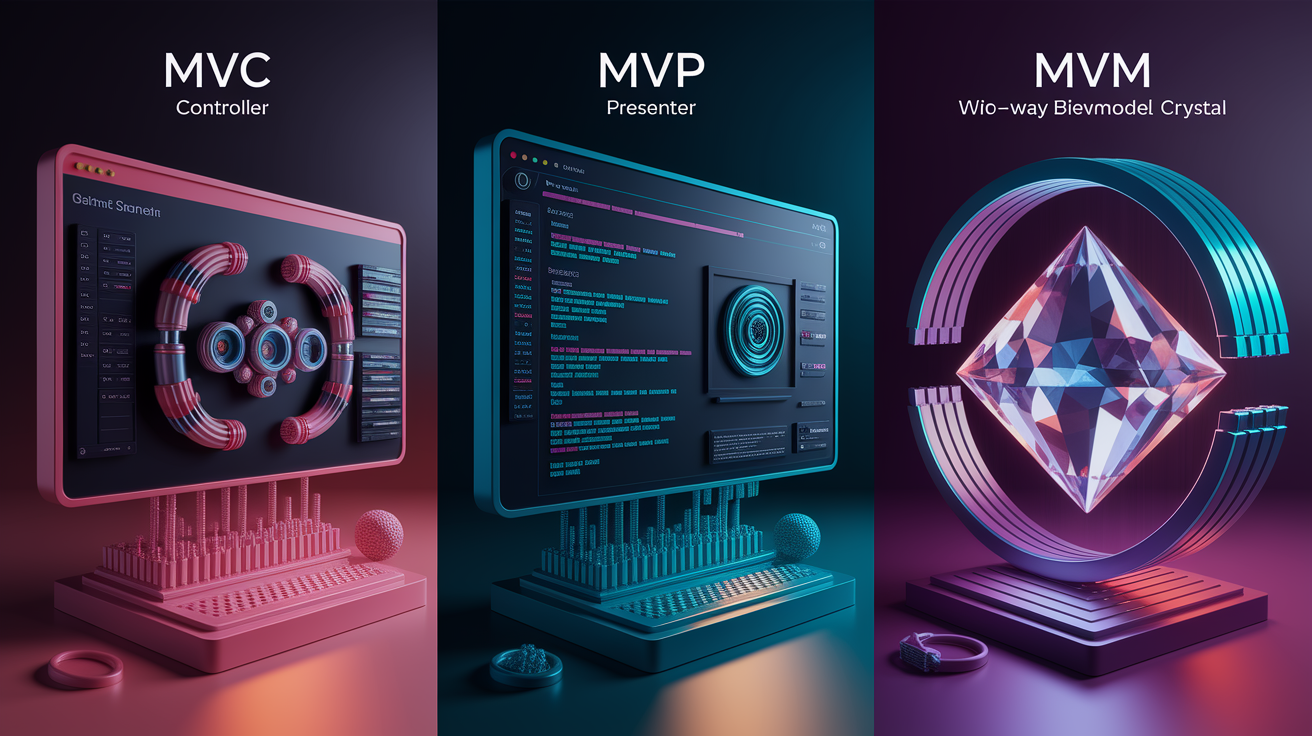
Developers sometimes confuse MVC with related patterns like MVP (Model View Presenter) and MVVM (Model View ViewModel). Understanding the differences helps you choose the right pattern for your project and avoid forcing MVC into situations where another structure fits better. Each pattern solves a slightly different problem around how the view talks to the model.
In MVP, the Presenter takes a more active role than the Controller. The View is completely passive. It has no logic at all, not even deciding when to call the Presenter. Instead, the Presenter pushes updates to the View through a defined interface. When the user clicks a button, the View forwards that event to the Presenter, the Presenter updates the Model, retrieves the new data, and explicitly tells the View what to display. This makes testing easier because you can verify the Presenter’s behavior by checking that it calls the right methods on the View interface, without needing a real UI. MVP is common in Android development, where Activities or Fragments act as Views and Presenter classes handle logic.
In MVVM, the ViewModel sits between the Model and View and provides properties that the View can bind to. Instead of the Controller explicitly updating the View, the View observes changes in the ViewModel’s properties and updates itself automatically through two way data binding. When the user types into a form field, the binding updates the ViewModel, which can immediately update the Model. When the Model changes, the ViewModel’s properties update, and the View reflects those changes without explicit render calls. MVVM is popular in frameworks like Angular, Vue, and WPF, where reactive data binding is built in. This pattern solves the problem of keeping the UI in sync with state without writing manual update code.
Here’s a quick comparison of when to use each pattern:
MVC is best when you need clear separation with controller driven routing and server side rendering, common in web apps with traditional request/response flows. The controller explicitly updates the view after processing input.
MVP is ideal when you need highly testable UI logic and want the view to be as dumb as possible, common in mobile apps where you can define view interfaces and mock them for unit tests.
MVVM is great for complex UIs with lots of form inputs and real time updates, common in single page applications and desktop apps with reactive frameworks. Two way data binding reduces boilerplate.
Popular Frameworks That Implement MVC Effectively
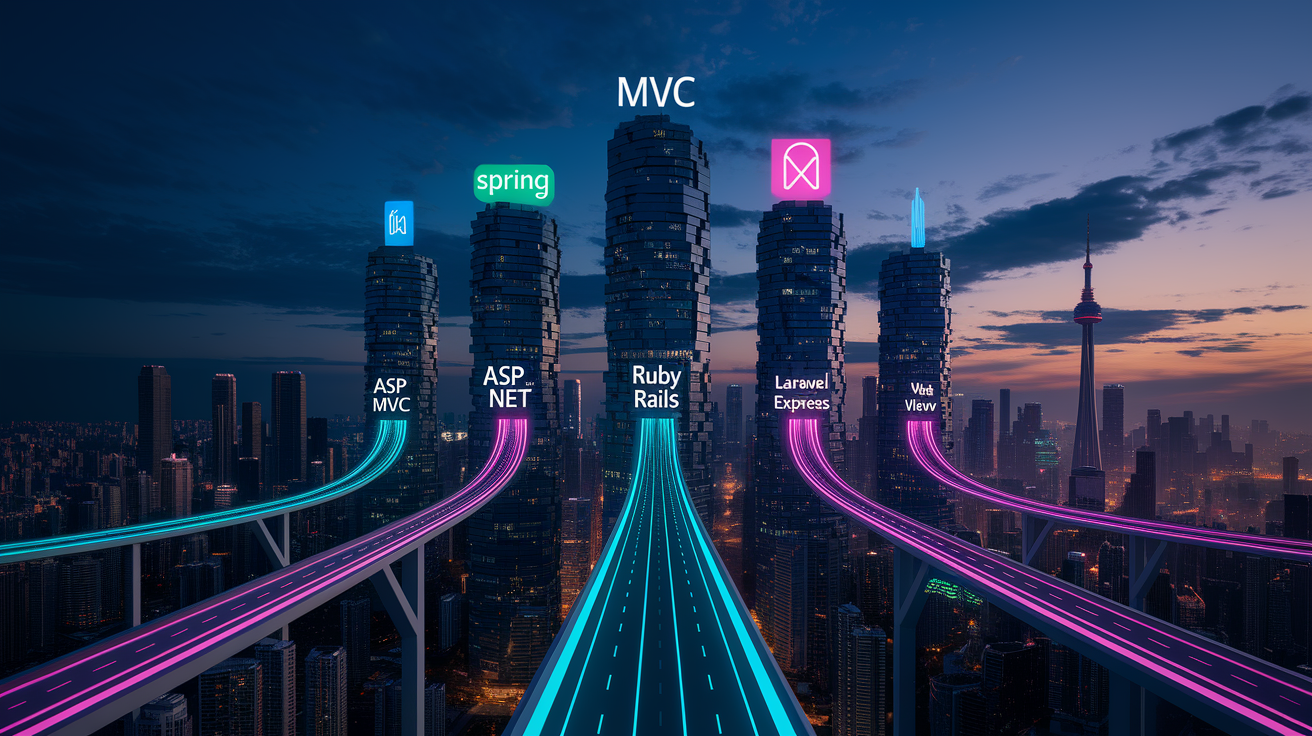
MVC isn’t just a theoretical pattern. It’s the foundation of many widely used web frameworks. These frameworks enforce MVC structure through conventions, tooling, and built in components that make it hard to accidentally mix concerns. Knowing which framework implements MVC and how it enforces the pattern helps you choose the right tool and follow established best practices.
Spring MVC is Java’s go to web framework. It uses annotations like @Controller, @RequestMapping, and @ModelAttribute to define controllers, map URLs to methods, and bind form data to model objects. Models are typically JPA entities managed by repositories, and views are rendered with Thymeleaf or JSP templates. Spring’s dependency injection makes it easy to wire services into controllers, keeping controller methods thin. The framework solves routing and validation through declarative configuration, so you don’t write boilerplate request parsing code.
ASP.NET MVC brings the pattern to C# and .NET. Controllers are classes that inherit from a base Controller class, and each action method corresponds to a route. Models use Entity Framework for database access, and views are Razor templates that mix HTML with C# expressions. The framework provides built in model binding, validation annotations, and helper methods for generating HTML forms. This tight integration means validation rules live in model classes as attributes, and the framework automatically checks them before the controller action runs.
Ruby on Rails popularized “convention over configuration” in MVC. Controllers live in app/controllers, models in app/models, and views in app/views. Rails assumes you’ll follow naming conventions. If you have a PostsController, it automatically looks for a Post model and views in views/posts. The framework includes ActiveRecord for models (which handles database queries with an elegant DSL), ERB or HAML templates for views, and built in routing that maps URLs to controller actions. Rails solves the problem of boilerplate by generating code for common patterns and providing helpers that keep views simple.
Laravel is PHP’s answer to Rails. It uses Eloquent ORM for models, Blade templates for views, and controller classes that handle routing. Laravel’s routing file explicitly maps URLs to controller methods, and middleware can intercept requests for authentication or logging. The framework emphasizes expressive syntax and developer productivity, providing helpers for form handling, validation, and database queries. This makes it easy to build MVC structured apps without writing repetitive code.
Express.js is JavaScript’s minimalist web framework. It doesn’t enforce MVC out of the box, but it’s flexible enough to implement the pattern by organizing routes (controllers), data modules (models), and template engines like Handlebars or EJS (views). Developers often structure Express apps with a routes/ folder for controllers, a models/ folder for database schemas (using Mongoose for MongoDB or Sequelize for SQL), and a views/ folder for templates. This manual organization solves the problem of structure in Node.js projects, where the default is no structure at all.
Here’s a summary of five key frameworks and their MVC strengths:
Spring MVC offers annotation driven routing, dependency injection, strong typing, Thymeleaf/JSP views.
ASP.NET MVC provides Razor templates, Entity Framework models, built in validation attributes, tight Visual Studio integration.
Ruby on Rails delivers convention over configuration, ActiveRecord ORM, ERB views, code generation for rapid development.
Laravel includes Eloquent ORM, Blade templating, expressive routing, middleware support.
Express.js gives you flexible, unopinionated, manual MVC organization, wide choice of template engines and ORMs.
MVC Advantages and Disadvantages as Solutions and Tradeoffs
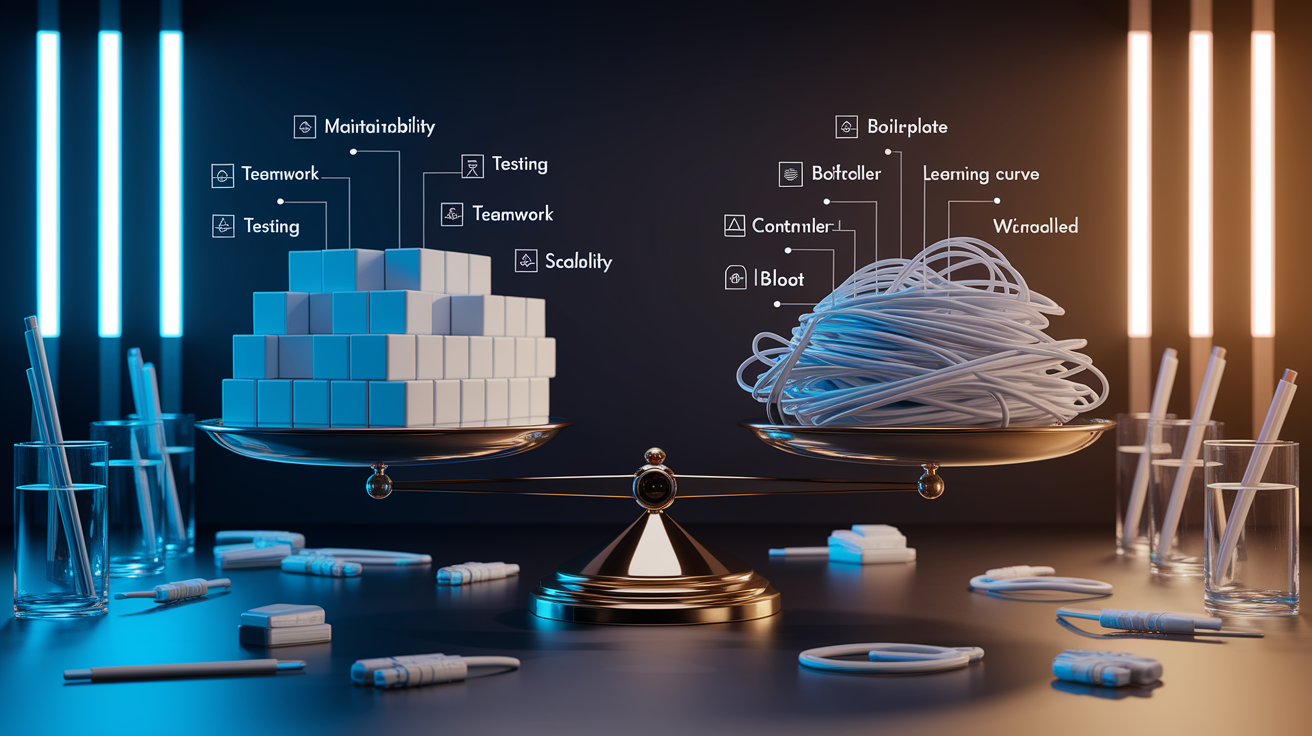
MVC solves real architectural problems, but it also introduces tradeoffs. Understanding both sides helps you decide when to use the pattern and when a simpler structure might be enough.
On the advantage side, MVC enforces separation of concerns, which is the biggest win. When presentation, data, and control logic live in different components, you can change one without breaking the others. If you need to redesign the UI, you rewrite the View without touching the Model. If business rules change, you update the Model and leave the View and Controller alone. This modularity makes code easier to maintain and less fragile.
MVC also enables parallel development. A frontend developer can build views while a backend developer writes models and controllers. As long as they agree on the interface (what data the View needs and what events the Controller handles), they can work independently. This speeds up development and reduces merge conflicts. It also improves testability. You can unit test controller logic by mocking the Model and View. You can test business rules in the Model without a UI. You can even test views by passing in dummy data and checking that the right HTML gets rendered.
On the downside, MVC adds complexity that small projects don’t need. If you’re building a simple landing page or a quick prototype, splitting logic into three components feels like overkill. You’ll spend more time setting up folders and interfaces than writing actual features. MVC also has a learning curve. New developers need to understand the responsibilities of each component and the data flow between them. Getting that mental model takes time, and early attempts often result in fat controllers or mixed responsibilities.
Here are the key advantages:
Clear separation of concerns makes the codebase easier to navigate and refactor.
Parallel development lets multiple people work on the same feature without stepping on each other.
Independent testing of models, views, and controllers improves code quality and catches bugs early.
Scalability. As the application grows, the structured boundaries keep complexity manageable.
And the main disadvantages:
Added boilerplate and indirection slow down small projects where a single file script would suffice.
Learning curve for beginners who need to understand component roles, data flow, and pattern discipline.
Risk of controller bloat when developers pile validation, business logic, and formatting into the controller instead of using service layers.
Over segmentation can make simple apps more complex than needed, with extra files and folders for minimal benefit.
Preventing Recurring MVC Mistakes Through Best Practices

Even when you know the MVC pattern, certain mistakes show up again and again. Following best practices prevents those recurring issues and keeps your architecture clean as the project grows.
One common anti pattern is the fat controller. Developers stuff validation, business logic, formatting, and database queries into controller methods, turning the controller into a dumping ground for everything the model and view shouldn’t do. The fix is to move business logic into the Model or a separate service layer. The Controller should read input, call a model method, and pass results to the view. Nothing more. For example, instead of writing if (student.getRollNo() < 1) { /* error */ } in the controller, put that validation rule in the Student model’s setter or a validate() method. If the logic doesn’t fit neatly into the Model (like sending an email after a purchase), create a service class and inject it into the controller.
Another mistake is putting business logic in views. Sometimes developers add conditional logic to templates, checking user roles, calculating totals, or filtering lists, because it’s convenient. That breaks separation of concerns. The View should receive data ready to display and focus only on presentation. If a view needs to show a discounted price, the Model or Controller should calculate the discount and pass it to the view as a ready to render value. Use template helpers or filters for simple formatting (like date formatting), but keep complex logic out.
Poor folder organization makes MVC projects hard to navigate. Without a clear structure, files end up scattered or grouped by type in one giant folder. A good practice is to organize by feature or domain. For example, in a to-do app, group TaskController, TaskModel, and task-list.html in a tasks/ folder instead of putting all controllers in one place and all views somewhere else. This co-location makes it easy to find related files and refactor a feature without hunting through the entire codebase.
Here are five best practices to prevent MVC mistakes:
Keep controllers thin. Limit controller methods to input handling, calling model or service methods, and selecting views. Move validation and business logic into models or services.
Use service layers. When logic doesn’t belong in the model (like orchestrating multiple models or calling external APIs), create a service class and inject it into the controller.
Keep views dumb. Pass fully prepared data to the view. Avoid conditionals, calculations, or database queries in templates.
Organize by feature. Group related controllers, models, and views together by domain or feature instead of by file type.
Write unit tests for each component. Test model validation independently, test controller logic with mocked models, and test view rendering with sample data.
When to Look for Further Guidance on MVC Architecture

MVC is a foundational pattern, but some projects grow complex enough that basic MVC isn’t enough. When you find yourself fighting the pattern or when your controllers start doing too much, it’s time to look for advanced guidance or consider complementary patterns.
If your controllers are still fat even after moving logic to models and services, you might need to learn about layered architecture or hexagonal architecture. These patterns add more structure, like separate layers for domain logic, application services, and infrastructure, so the controller becomes a thin adapter that delegates to deeper layers. When your application has complex workflows that span multiple models, look into the repository pattern and unit of work pattern to manage transactions and database access cleanly.
Another sign you need more help is when testing becomes hard. If you can’t test a controller without starting a full web server or database, your components are too tightly coupled. Learning about dependency injection, mocking frameworks, and test doubles will help you write fast, isolated unit tests. These techniques let you verify controller behavior by injecting fake models and checking that the right methods get called.
Here’s when to seek further resources or mentorship:
When your controllers grow beyond 100 to 150 lines and you’re not sure how to break them down, look into service layers, CQRS, or mediator patterns.
When you need to scale a project for a team of 5+ developers, study modular monoliths, microservices, and clean architecture principles.
When you’re preparing for technical interviews and need to explain MVC, its tradeoffs, and how it compares to other patterns, work through sample projects, build a to-do app or blog from scratch, and practice articulating the data flow and responsibilities in your own words.
Final Words
We split the MVC design pattern into clear roles: Model for data and rules, View for UI, and Controller for input handling. We also covered why people get tripped up, common anti‑patterns, and practical code examples in Java, Python, and JavaScript.
We compared MVC with MVP/MVVM, showed data flow, listed frameworks, and gave best practices plus when to seek more guidance.
If you keep the responsibilities separate and follow the patterns, the mvc design pattern will make your apps cleaner, easier to test, and easier to scale. You’ve got this.
FAQ
Q: What is MVC in design pattern and which design pattern is used in MVC?
A: The MVC design pattern is an architectural pattern that splits an app into Model, View, and Controller to separate concerns and improve organization; MVC itself is that design pattern.
Q: Is MVC a good design pattern?
A: The MVC pattern is a good choice for medium-to-large apps because it boosts maintainability, testability, and parallel work; it can feel heavy for tiny apps and invites controller bloat if misused.
Q: What are the 5 types of MVC?
A: The five types of MVC are Classic MVC, Model2 (front-controller style), HMVC (hierarchical MVC), Passive View (thin view variant), and Supervising Controller (controller-focused variant).