
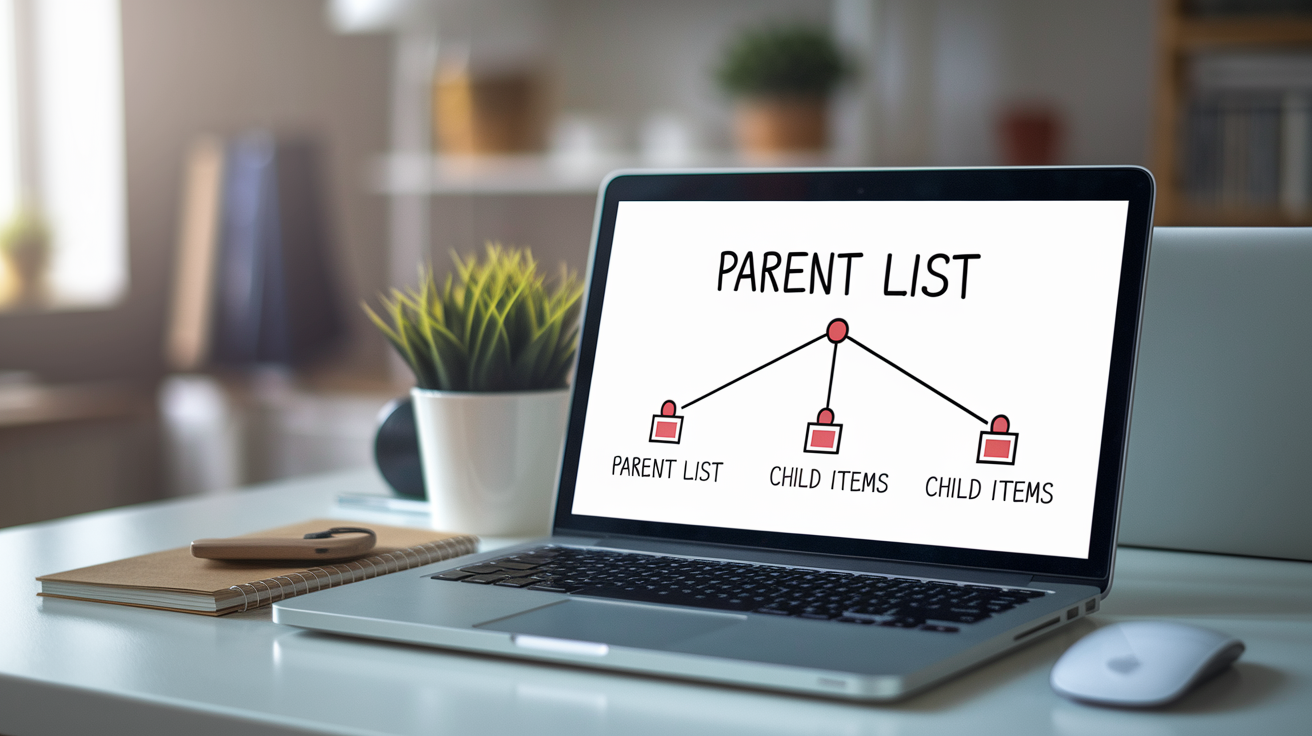
Tired of wiring a click handler to every single list item?
Event delegation lets one parent listener handle all child clicks by using event bubbling, so instead of attaching dozens of listeners you attach one to the list and check event.target to see what was clicked.
This beginner-friendly example walks you through building an interactive list, reading which item was clicked, and supporting items added later.
By the end you’ll have cleaner code, fewer listeners, and one reliable handler that scales.
Clear Beginner-Friendly Explanation of JavaScript Event Delegation

Event delegation is a JavaScript pattern where you attach one event listener to a parent element instead of attaching separate listeners to every child element. When a user clicks a child element (like a list item inside a <ul>), the event bubbles up to the parent, and the parent’s listener checks which specific child triggered the event using event.target. You handle clicks from many children with a single listener.
This pattern relies on event bubbling, the natural flow where events travel from the clicked child element up through each ancestor until they reach the root of the document. When the event reaches the parent with your listener, your handler runs and inspects event.target to see which child was actually clicked. You don’t need to worry about the full propagation sequence yet. Just know that bubbling delivers the event to your parent listener automatically.
Event delegation gives you several practical benefits:
- Fewer event listeners in memory (one instead of ten, fifty, or a hundred)
- Works automatically with dynamically added elements (add a new list item, no extra JavaScript needed)
- Easier to maintain (update logic in one place instead of in every child handler)
- Better performance on pages with many interactive elements (less memory overhead per element)
- Cleaner code structure (centralized event handling instead of scattered listeners)
Here’s how it works. You’ve got a <ul> with five <li> children. You attach one click listener to the <ul>. When someone clicks an <li>, the click event bubbles from the <li> up to the <ul>. Your listener on the <ul> fires, and you check event.target.tagName to confirm it’s "LI". If it is, you run your item-specific logic (like logging the text content or toggling a class).
JavaScript Event Propagation Phases and Why Delegation Uses Bubbling
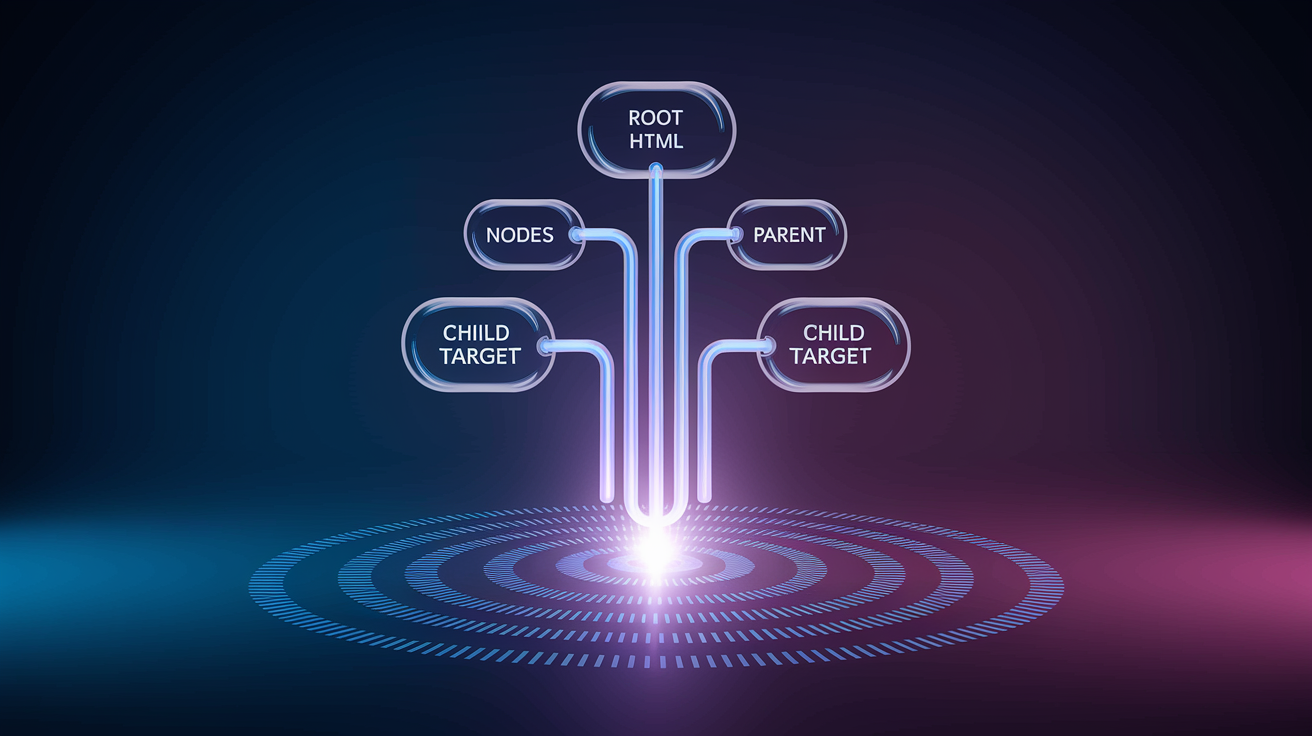
When you click an element on a page, the browser dispatches the event through three sequential phases: capturing, target, and bubbling. During the capturing phase (also called the “capture phase”), the event travels down from the root <html> element through each ancestor toward the element you clicked. Once the event reaches the actual clicked element, it enters the target phase. Finally, the event reverses direction and bubbles back up through each parent until it reaches the root again.
Delegation relies on the bubbling phase because that’s when the event reaches ancestor elements where you’ve placed your single listener.
The three-step propagation flow looks like this:
- Capturing: event travels
<html>→ parent → target child - Target: event fires on the clicked element itself
- Bubbling: event travels target child → parent →
<html>
Most event listeners default to the bubbling phase (the third argument in addEventListener defaults to false). When your parent element’s listener is registered for the bubbling phase, it automatically receives events that originated on any child element nested inside. That’s why you can attach one listener to a <ul> and catch clicks from every <li>, even if those <li> elements have no listeners of their own. The browser delivers the event to your parent listener during the bubbling phase, and you use event.target to identify which child triggered the event.
Comparing Direct Event Listeners vs JavaScript Event Delegation

Approach A attaches an individual event listener to each child element. If you have ten list items, you loop through them with querySelectorAll("li") and call addEventListener("click", handler) on each one. That results in ten separate event listeners, ten separate function objects if you use inline anonymous functions, and ten separate registrations that the browser must track in memory. When you add an eleventh item later, you must explicitly attach a listener to it or it won’t respond to clicks.
Approach B extracts the shared logic into a single named function and then attaches that function to each child element. You define function handleItemClick(event) { console.log(event.target.textContent); } once, then loop through your ten items and attach handleItemClick to each. This reduces duplicate code (you’re reusing the same function reference), but you still create ten event listener registrations. The browser still tracks ten separate bindings, one per child. Adding an eleventh item still requires attaching the listener manually.
Approach C is true delegation. You attach one event listener to the parent <ul> and use event.target inside the handler to determine which child was clicked. Only one event listener registration exists in memory. When you add an eleventh item (or a hundredth), the parent listener automatically handles it because all children bubble their events to the parent. You write no extra JavaScript to support new children.
| Approach | Listener Count | Scalability |
|---|---|---|
| A: Individual listeners per child | N listeners (one per child) | Poor: must attach listener to every new child |
| B: Shared handler, multiple listeners | N listeners (same function, N registrations) | Poor: still need to attach to every new child |
| C: Single parent listener (delegation) | 1 listener | Excellent: new children handled automatically |
Step-by-Step JavaScript Event Delegation Example for Lists

Start with a simple HTML structure. A <ul id="taskList"> containing three <li> elements. Each <li> holds a task description, like “Buy groceries,” “Walk the dog,” and “Write report.” In your JavaScript, select the parent using const taskList = document.getElementById("taskList");. Then attach a single click listener to the parent: taskList.addEventListener("click", handleTaskClick);.
Inside the handleTaskClick function, check if (event.target.tagName === "LI") to confirm the user clicked a list item and not whitespace or the <ul> itself. If the check passes, log or process event.target.textContent to see which task was clicked.
Follow these six steps to build the example:
- Create the HTML: a
<ul>with anidand three<li>children, each with text content. - Select the parent element in JavaScript using
document.getElementByIdordocument.querySelector. - Attach one
clicklistener to the parent usingaddEventListener("click", yourHandler). - Inside your handler function, read
event.targetto see which element received the click. - Check
event.target.tagNameto confirm it’s"LI"(tag names are uppercase in the DOM). - Run your task-specific logic (log the text, toggle a class, or update another part of the page).
When you click “Buy groceries,” the event bubbles from that <li> to the <ul>. Your handler runs, event.target points to the “Buy groceries” <li>, and event.target.textContent gives you the text. If you later add a fourth <li> by appending it to the <ul> with JavaScript, that new item automatically works with the existing listener. No extra addEventListener call required. This is the key advantage for dynamic content and why delegation scales so well.
Handling Dynamic Elements Using JavaScript Event Delegation

Event delegation shines when you add or remove child elements after the page loads. Traditional per-child listeners only work for elements that exist when you attach the listeners. If you dynamically insert a new <li> into the DOM later (maybe from an AJAX response or user input), you must remember to attach a listener to that new element. If you forget, the new item won’t respond to clicks.
Delegation solves this automatically because the parent listener stays attached regardless of child changes.
When you add a new child to a parent that already has a delegated listener, the new child’s events bubble to the parent just like the original children. Your handler checks event.target and runs the same logic for the new element with zero extra code. This pattern is essential for interactive lists, live search results, or any UI where items appear and disappear dynamically. You write the delegation logic once, and it covers all current and future children that match your selector filter.
Filtering Targets and Using Selectors Within JavaScript Delegated Handlers

Inside a delegated event handler, you receive every click that bubbles to the parent (including clicks on the parent itself, whitespace, or nested children you don’t care about). To run logic only for the elements you want, use filtering. The simplest filter checks event.target.tagName, like if (event.target.tagName === "LI"). This works when your target is always a specific tag, but it breaks if your <li> contains nested elements like a <span> or <button>.
A more robust approach uses event.target.closest("li"). The closest method walks up the DOM tree from event.target until it finds an element matching the selector, or returns null if none is found. If the user clicks text inside a <span> nested in an <li>, event.target is the <span>, but event.target.closest("li") still finds the <li> parent.
Another option is event.target.matches("li"), which returns true only if event.target itself matches the selector. Useful when you know the exact element will be clicked.
You can also use data- attributes to identify targets. For example, add data-action="delete" to delete buttons and check if (event.target.dataset.action === "delete") in your handler. This lets you attach one listener to a toolbar or form and route clicks to different actions based on the attribute. Common selector patterns include:
- Tag name:
event.target.tagName === "BUTTON" - Class:
event.target.classList.contains("task-item") - Attribute:
event.target.hasAttribute("data-id") - Closest ancestor:
event.target.closest(".task-item")
Pick the method that matches your HTML structure and keeps your handler readable. If you have nested elements, closest is usually the safest choice.
Understanding event.target vs event.currentTarget in JavaScript Delegation
event.target is the actual element that received the event (the deepest element the user clicked). event.currentTarget is always the element that has the event listener attached. In a delegated setup, event.currentTarget points to the parent (for example, the <ul>), while event.target points to the specific child (the <li> or even a nested <span> inside the <li>). Understanding this difference is crucial when you’re working with nested children.
Imagine a <ul> with several <li> elements, and each <li> contains a <span> for the task name and a <button> for deletion. You attach one listener to the <ul>. When the user clicks the <button>, event.target is the <button>, not the <li>. If your handler checks event.target.tagName === "LI", it fails. To find the parent <li>, use event.target.closest("li").
On the other hand, event.currentTarget always equals the <ul> because that’s where the listener lives. Most delegation logic reads event.target first, then uses closest or another method to find the relevant ancestor if the click landed on a nested child.
Performance Advantages of Delegation in JavaScript

Attaching event listeners consumes memory. Each listener registration stores a reference to the handler function and the element. When you attach a hundred listeners to a hundred list items, the browser tracks a hundred separate bindings. If each binding holds a small amount of metadata and a function reference, the total memory footprint grows linearly with the number of elements. Delegation replaces those hundred listeners with one, reducing the memory overhead to a constant size regardless of child count.
Event listener setup also has a small CPU cost. During page load, looping through a large collection of elements and calling addEventListener on each one takes time. The more elements you have, the longer the loop runs. Delegation skips the loop entirely. You call addEventListener once on the parent. This makes initial render faster, especially on pages with hundreds or thousands of interactive elements like data tables or infinite-scroll feeds.
The three main performance benefits are:
- Lower memory usage: one listener instead of N listeners
- Faster initialization: no loop through all children to attach listeners
- Better runtime behavior: fewer active listeners means less work for the browser’s event dispatch system
For small lists with five or ten items, the performance difference is negligible. For lists with hundreds of items or dynamically growing feeds, delegation provides measurable improvements in memory and initialization speed.
When Not to Use Event Delegation in JavaScript
Some events don’t bubble. Focus, blur, and scroll events (in older browsers) do not propagate up the DOM tree, so a parent listener won’t receive them. If you need to handle focus on multiple input fields, you must either attach individual listeners or use the capturing phase explicitly by passing true as the third argument to addEventListener. For most bubbling events (click, input, change, keydown, keyup), delegation works perfectly.
Delegation adds complexity when your target-filtering logic becomes intricate. If you need to differentiate between ten different child types, check multiple attributes, and handle nested elements with overlapping classes, your delegated handler can become harder to read than individual handlers. In these cases, consider whether the scalability benefits outweigh the added conditional logic. Sometimes attaching a few separate listeners to distinct regions of the UI is clearer than one giant delegated handler with a maze of if statements.
Common pitfalls to watch for:
- Non-bubbling events: focus, blur, and older scroll events won’t reach a parent listener
- Complex nested structures: filtering targets with
closestor multiple checks can obscure logic stopPropagationconflicts: if child elements or other scripts callevent.stopPropagation(), your parent listener won’t fire at all
Final Words
You wired one parent listener on the
- , used event.target (or matches/closest) to find which
- fired, and handled clicks without adding listeners to every item. That’s the core action.
You also saw how bubbling carries the event up, compared per-item listeners to delegation, and walked a step-by-step list example with selector filtering.
This event delegation example for beginners in javascript shows how a small change makes code simpler and more resilient. Try it on a real list — it’s an easy win.
FAQ
Q: What is event delegation in JavaScript?
A: Event delegation is attaching one event listener to a parent element and using event.target to detect which child triggered the event, so you handle many child elements with a single listener.
Q: How does event bubbling enable event delegation?
A: Event bubbling lets an event travel from the clicked child up through ancestors, so the parent’s listener receives the child event during bubbling and can decide what to do.
Q: Can you give a simple ul/li event delegation example?
A: A simple ul/li example attaches one click listener to the
- , then on click checks event.target.tagName or event.target.matches(‘li’) and runs code for that clicked
- .
Q: How do I filter which child was clicked in a delegated handler?
A: To filter clicks in a delegated handler use event.target.matches(‘selector’) or event.target.closest(‘selector’), or check a data-attribute or class before running your logic.
Q: What is the difference between event.target and event.currentTarget?
A: Event.target is the exact element the user clicked, while event.currentTarget is the element that has the listener attached; delegation often uses both to route behavior safely.
Q: What are the main benefits of using event delegation?
A: Delegation reduces the number of listeners, saves memory, makes code easier to maintain, and automatically handles elements added after page load, improving scalability for large lists.
Q: When should I avoid using event delegation?
A: Avoid delegation for non-bubbling events (like focus/blur), when target filtering becomes overly complex, or when you need per-element listeners with distinct state or behavior.
Q: Will event delegation work for elements added after page load?
A: Event delegation works for elements added later because the parent listener remains active and will receive events from new child nodes without additional JavaScript.
Q: How do I write a basic delegated click handler in vanilla JavaScript?
A: To write a delegated click handler: add one listener to the parent, inside the handler check event.target or closest(‘selector’), run logic if it matches, and keep DOM work minimal.
- .