
Think you can learn JavaScript by jumping into React on day one?
That approach wastes time and leaves you confused.
This roadmap gives a clear plan, shows what fundamentals to learn first, which beginner-friendly projects to build, and which resources actually help you practice.
Follow the step-by-step path in this post, set up your editor, practice in the browser console, and build small projects, and you’ll turn messy curiosity into real skills in months, not years.
How to Start Learning JavaScript (Step-by-Step Roadmap)
Starting JavaScript without a plan feels like opening a toolbox and staring at a pile of screws. You know something useful is in there, but which piece do you grab first? A roadmap fixes that. It lines up the core skills, tells you what to skip for now, and keeps you from diving into React before you understand what a function actually does.
In the first few weeks, you’ll spend most of your time in a text editor and a browser console. You’ll write small programs that print text, do basic math, respond to button clicks. Progress feels slow at first because you’re learning the grammar of the language. How to name things. How to store data. How to repeat tasks without copy-pasting code fifty times. That foundation is what makes everything else possible.
Consistency beats intensity. Writing code three times a week for twenty minutes will take you further than cramming for six hours once a month. Your brain needs time to process syntax, spot patterns, connect new ideas to old ones. Stick with it and the weird parts start to make sense.
Here’s the path:
-
Set up your environment. Install Visual Studio Code (free, works on Mac/Windows/Linux) and Node.js from nodejs.org. You’ll write code in VS Code and run it with Node in the terminal.
-
Learn variables, data types, and operators. Start with
let,const, numbers, strings, basic math. Write small programs that store values and print results. -
Practice with the browser console. Open Chrome, right-click any page, click Inspect, then go to the Console tab. Type JavaScript directly and see instant feedback. No files, no setup.
-
Understand functions and scope. Functions let you reuse code. Scope tells you where a variable exists. These two ideas show up in every program you’ll ever write.
-
Follow a structured beginner resource. Pick one tutorial, course, or handbook that covers the basics in order. Jumping between ten resources creates confusion, not clarity.
-
Build tiny projects immediately. After learning arrays, build a program that tracks three items. After learning loops, print a pattern of stars. Small wins prove the concepts work.
Core JavaScript Fundamentals Every Beginner Must Learn
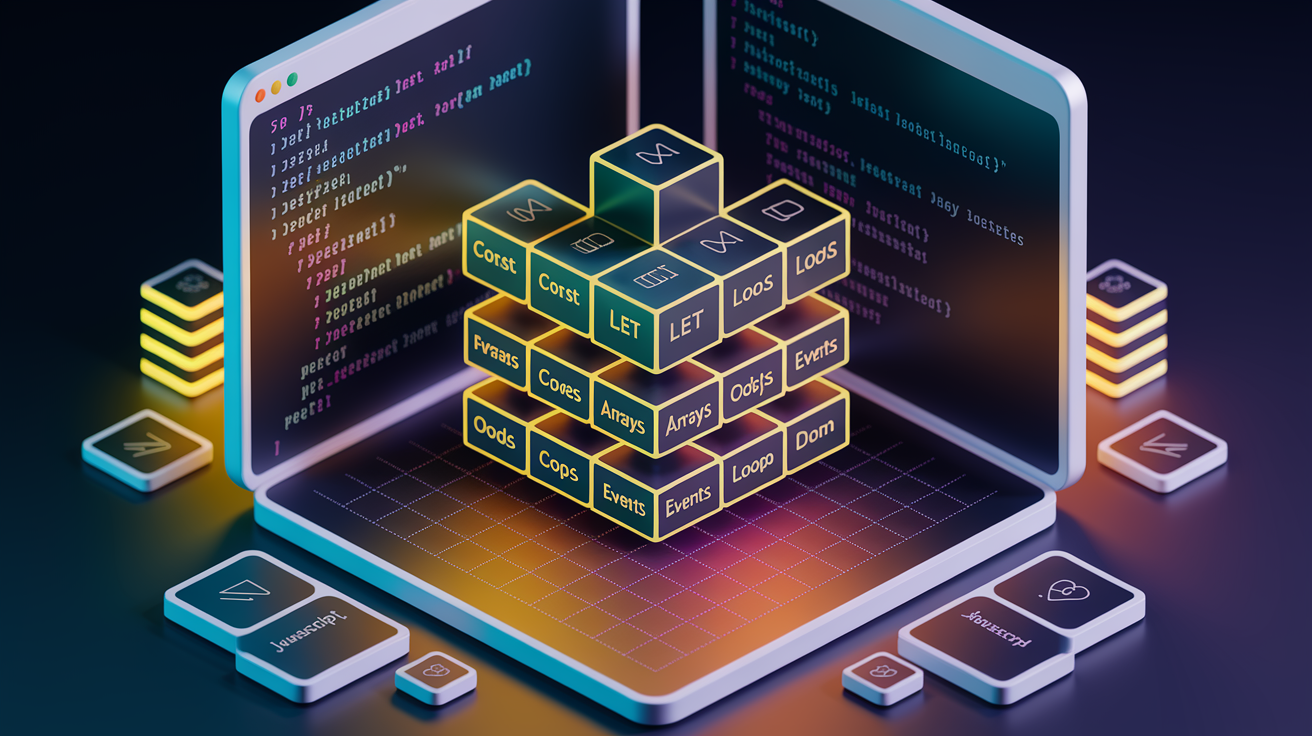
Variables, data types, and operators are the building blocks. Use const by default and switch to let when you need to reassign a value. Avoid var. It has scope issues that trip up beginners. JavaScript has five core data types: strings (text in quotes), numbers (integers and decimals), booleans (true or false), undefined (a variable with no value yet), and null (an intentional empty value). Operators let you do math (+, -, *, /), compare values (===, !==, >, <), and combine conditions (&&, ||, !). Always use strict equality (===) instead of loose equality (==). Strict checks both value and type, so 5 === '5' returns false because one’s a number and the other’s a string.
Functions, scope, and events connect your code to real tasks. A function is a reusable block of code that accepts inputs (parameters) and returns an output. Declare one with the function keyword or use arrow syntax for shorter code: const add = (a, b) => a + b;. Scope determines where a variable lives. Local scope exists inside a function, global scope exists outside. Pass data through parameters instead of relying on global variables, or your functions become fragile. Events let your code respond to user actions. Attach an event listener to a button, and your function runs when someone clicks it: button.addEventListener('click', handleClick);. Make sure your JavaScript file is linked in the HTML <head> tag or your event handlers won’t fire.
Arrays, objects, and loops organize and process data. Arrays hold lists of values in square brackets: const colors = ['red', 'blue', 'green'];. Access items by zero-based index. colors[0] returns 'red'. Use .push() to add items to the end, .pop() to remove from the end, .unshift() to add at the start, and .shift() to remove from the start. Objects store key-value pairs inside curly braces: const person = { name: 'Sam', age: 28 };. Access properties with dot notation (person.name) or bracket notation (person['age']). Loops repeat tasks. Use for loops when you know how many times to repeat: for (let i = 0; i < 5; i++) { console.log(i); }. Use while loops when the count depends on a condition: while (score < 100) { score += 10; }. Always include an exit condition or you’ll create an infinite loop.
DOM basics and manipulating elements connect JavaScript to the webpage. The DOM (Document Object Model) is a live tree of HTML elements. You can grab an element with document.querySelector('.className'), change its content with .textContent = 'New text', or create a new element with document.createElement('div'). Want to change the heading on a page? Type document.querySelector('h1').textContent = 'Hello from JavaScript'; in the console and watch it update instantly. The DOM makes JavaScript interactive. Without it, your code runs in isolation and never touches the page.
Building Your First JavaScript Projects

Projects force you to solve real problems, not just memorize syntax. A calculator teaches you how to capture user input, perform operations, display results. A to-do app shows you how to add items to a list, mark them complete, delete them, all without refreshing the page. Start small. Your first project shouldn’t be a clone of Instagram. It should be something you can finish in a few hours and actually understand every line of code.
Pick a project that matches what you just learned. If you finished a section on functions, build a tip calculator that takes a bill amount and returns the tip. If you learned event listeners, build a button that changes the page background color each time you click it. Each project should stretch your skills just enough to make you google one or two things, but not so much that you spend three days stuck.
Here are five beginner-friendly projects:
Interactive button. Click a button to change text or toggle a class on an element.
Shopping cart calculator. Add items to a cart, calculate totals, apply a discount when the total exceeds a threshold.
Coin flip simulator. Use Math.random() to simulate flips and count how many flips it takes to get heads.
Simple guessing game. Generate a random number between 1 and 10, let the user guess, display whether they were right.
Dynamic color picker. Display a grid of color swatches, and when a user clicks one, change the page background to that color.
How Long It Takes to Learn JavaScript
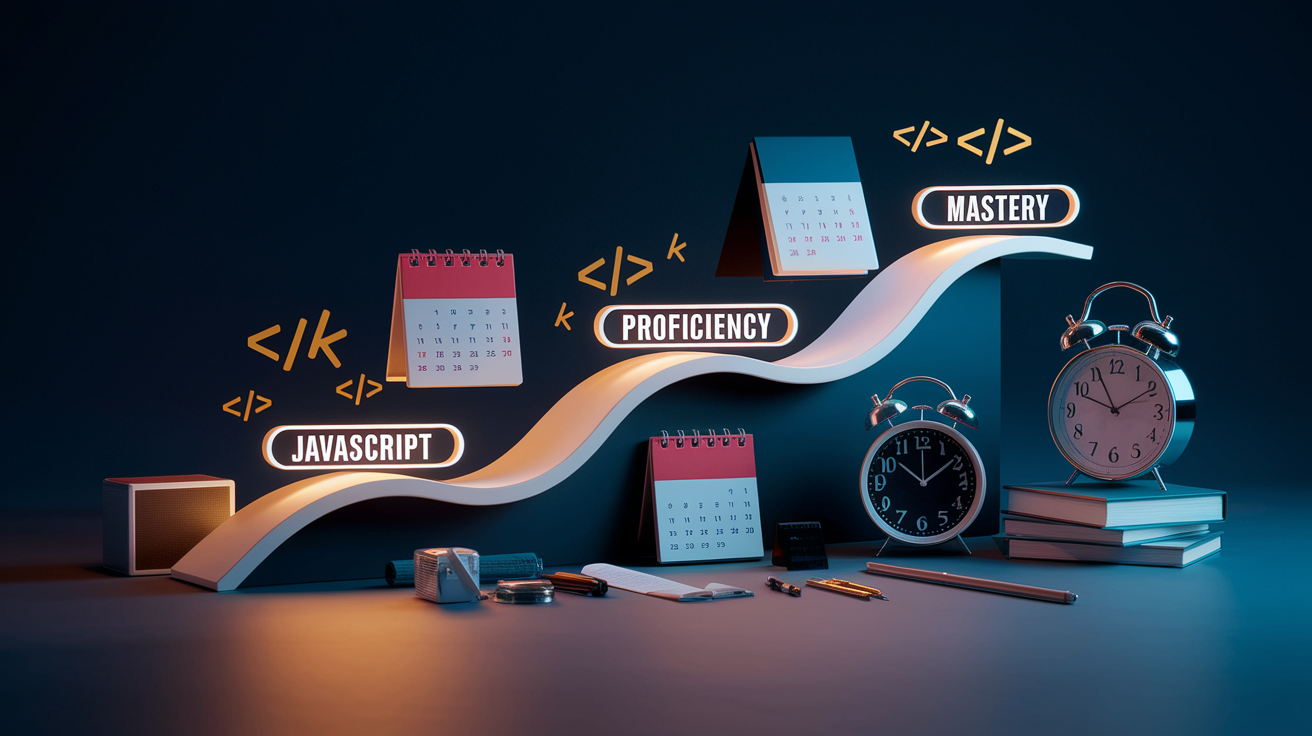
Learning JavaScript isn’t a straight line. Some people reach job-ready skills in six months. Others take a year. The timeline depends on how often you practice, how much programming experience you already have, and whether you’re learning full-time or squeezing it into nights and weekends. Expect the basics to click within the first month if you’re coding three to four times a week. Proficiency takes longer, around six months of consistent practice. Mastery is a moving target because JavaScript keeps evolving.
In the early phase, you’re learning vocabulary. What a variable is, how a loop works, why functions matter. This phase is slow. You’ll stare at error messages and wonder why your code prints undefined instead of the number you expected. That’s normal. Once the syntax feels familiar, you shift into the building phase. You’ll spend less time looking up basic commands and more time figuring out how to structure a program or debug logic errors.
After six months of regular practice, you’ll recognize patterns. You’ll know when to use a loop versus a method like .map(). You’ll debug faster because you’ve seen the same errors before. At the one-year mark, you’re comfortable building small apps from scratch, reading documentation, contributing to projects without constant hand-holding.
| Phase | Approx. Time | Skills Learned |
|---|---|---|
| Basics | 1–3 months | Variables, data types, functions, loops, arrays, objects, DOM basics |
| Proficiency | 6 months | Build small projects, debug independently, use APIs, understand scope and events |
| Mastery | 1+ year | Architect larger apps, optimize performance, work with frameworks, contribute to teams |
Common Mistakes Beginners Make (and How to Avoid Them)

Skipping fundamentals to jump into React or Vue is tempting, but it backfires. Frameworks are built on core JavaScript. If you don’t understand variables, scope, and functions, you’ll memorize framework syntax without knowing why it works. Spend the first month on vanilla JavaScript. Build a few projects with no libraries. Then frameworks will make sense because you’ll recognize the problems they solve.
Watching tutorials without writing code creates the illusion of progress. You follow along, everything clicks, and you think, “Got it.” Then you open a blank file and freeze. The gap between watching and doing is huge. Pause the video every few minutes and type the code yourself. Break something on purpose, then fix it. That’s how concepts stick.
Another trap is not reading error messages. Beginners see red text in the console and panic. But error messages are helpful. They tell you what broke and usually point to the line number. If the message says “Uncaught ReferenceError: calculateTotal is not defined,” it means JavaScript can’t find a function named calculateTotal. Check your spelling, make sure the function exists, confirm your script is loaded.
Here are six mistakes and how to avoid them:
Skipping fundamentals. Stick with vanilla JavaScript for the first few months. Learn variables, loops, functions before touching a framework.
Watching without doing. Pause tutorials and write every example yourself. Don’t just watch someone else code.
Ignoring error messages. Read the red text. It usually tells you exactly what’s wrong and where.
Using var instead of let or const. var has confusing scope rules. Default to const, use let when you need reassignment, avoid var.
Copy-pasting without understanding. If you paste code from Stack Overflow, take five minutes to understand what each line does. Otherwise, you’ll paste the same bug into every project.
Trying to memorize everything. You don’t need to memorize syntax. You need to know what’s possible and where to look it up. Keep MDN and your notes handy.
Recommended Resources to Learn JavaScript
Pick one or two resources and finish them before adding more. Jumping between ten courses creates confusion. You’ll see the same concept explained five different ways and never know which explanation is correct. A good resource explains the “why” behind the code, not just the “how.” It shows you working examples, gives you exercises, doesn’t assume you already know what an object is.
Start with structured beginner content. Once you’re comfortable with the basics, layer in documentation, community forums, coding challenge sites. Documentation teaches you how things actually work. Communities help when you’re stuck. Challenges give you problems to solve so you’re not always building the same to-do app.
Here are eight resources:
MDN Web Docs. The official JavaScript documentation. Dense but accurate. Use it when you need to understand how a method works.
freeCodeCamp. Free, hands-on curriculum with built-in exercises. Covers basics, front-end projects, back-end JavaScript with Node.js.
JavaScript.info. A beginner-friendly tutorial site that explains concepts in plain language with interactive examples.
Codecademy. Interactive platform with a structured JavaScript course. You write code in the browser and get instant feedback.
Eloquent JavaScript (book). Free online, also available in print. Covers fundamentals with exercises at the end of each chapter.
JavaScript30 (Wes Bos). Free video series. Build 30 small projects in 30 days using vanilla JavaScript.
Stack Overflow. Community Q&A site. Search your error message here first. Chances are someone else hit the same issue.
JavaScript Weekly (newsletter). Weekly roundup of articles, tutorials, tools. Keeps you aware of what’s happening in the JavaScript world.
Final Words
Start by picking a tiny project and follow the step-by-step roadmap: set up your editor, learn variables and functions, and practice in the browser console.
We walked through the core fundamentals, project ideas, realistic timelines, common mistakes, and a short resource list so you know what to focus on each week.
If you want a practical plan for how to learn javascript, pick one resource, code a little every day, and ship small projects. You’ll see steady progress and build real confidence.
FAQ
Q: How can I teach myself JavaScript?
A: You can teach yourself JavaScript by following a clear roadmap: learn variables, functions, and DOM basics, use the browser console, practice micro‑projects, follow structured tutorials, and code a bit every day.
Q: Is it easy to learn JavaScript?
A: Learning JavaScript is generally approachable: its syntax is beginner-friendly and you’ll see quick wins, but steady practice is needed—expect 1–3 months for basics and more time to get confident.
Q: Is C++ or JavaScript better?
A: Choosing between C++ and JavaScript depends on your goals: C++ is better for performance, systems, and games; JavaScript is better for web interfaces, fast prototyping, and beginner-friendly feedback.
Q: Which YouTube channel is best for JavaScript?
A: The best YouTube channel depends on your style; popular, beginner-friendly options are freeCodeCamp, Traversy Media, The Net Ninja, and Academind for clear tutorials and project walkthroughs.