

Think asynchronous JavaScript has to be a tangled mess?
JavaScript Promises turn waiting into a clear, one-shot result.
In this post you’ll see why Promises beat deep callback nests, how .then, .catch, and .finally work, and when to use combinators like Promise.all or Promise.race.
With short hands-on examples you’ll move from confusion to usable code, like fetching data, chaining steps, and handling errors cleanly.
By the end you’ll know patterns that make async predictable, not scary.
Understanding the Core Behavior of JavaScript Promises
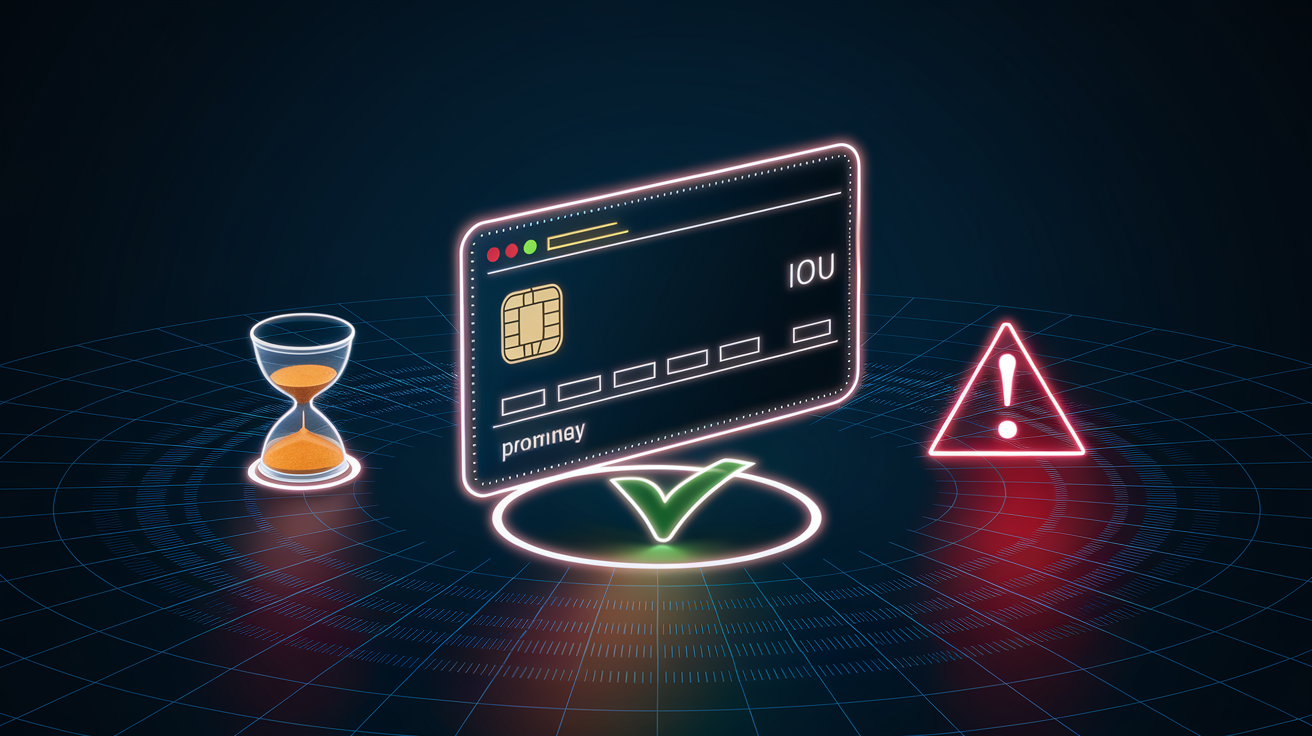
A JavaScript Promise is an object that represents the eventual result of an asynchronous operation. Think of it like an IOU. When you start an async task, you get a Promise right away, even though the actual work might take seconds or minutes. Instead of blocking the browser while you wait, the Promise lets your code keep running and then notifies you when the result is ready.
Every Promise exists in one of three states. When you first create or receive a Promise, it’s pending (the work hasn’t finished yet). Once the async task completes successfully, the Promise becomes fulfilled (sometimes called resolved), and you can access the result. If something goes wrong, the Promise becomes rejected, and you get the error instead. Once a Promise moves from pending to fulfilled or rejected, it stays that way forever. You can’t change a Promise’s state after it settles.
How do you work with these states? When a Promise resolves, it calls the function you passed to .then(). When it rejects, it triggers the function in .catch(). And if you want cleanup code that runs no matter what happens, put it in .finally(). Here’s what that looks like in practice:
const myPromise = new Promise((resolve) => {
  setTimeout(() => resolve("Data arrived!"), 1000);
});

myPromise.then(result => console.log(result));
// After 1 second: "Data arrived!"
Key behavioral facts about Promises:
- Pending means the initial state where work is still happening
- Fulfilled means success. The operation completed and returned a value
- Rejected means failure. The operation hit an error or exception
- One-time settlement means Promises resolve or reject exactly once and never change after that
If you try to resolve the same Promise multiple times, only the first call counts. This makes Promises perfect for one-shot async tasks (like fetching a URL) but not ideal for repeated events (like mousemove listeners that fire many times).
How Callbacks Evolved into Modern JavaScript Promise Patterns

Before Promises arrived in 2015, JavaScript relied entirely on callbacks to handle asynchronous work. You’d pass a function to something like setTimeout, and the event loop would call that function later. That worked fine for simple cases. But when you needed to do three or four async steps in sequence, your code turned into a mess of nested functions. Developers called it “Callback Hell.”
Here’s the pattern that caused the problem. Say you want to load user data, then load their posts, then load comments on the first post. With callbacks, each step nests inside the previous one. You end up with code that looks like a staircase diving down the right side of your screen. Every level adds indentation, makes variable scope confusing, and turns error handling into a guessing game about which callback should catch which error.
Promises solve this by letting you chain. Instead of nesting, you return a new Promise from each .then() handler, and the next .then() attaches to that returned Promise. Your code flows top to bottom instead of diagonally across the page.
How .then chaining eliminates nesting:
- Call an async function that returns a Promise
- Attach .then() and return another Promise from the handler
- Attach another .then() to handle the second Promise’s result
- Repeat as needed. Each step stays at the same indentation level
When you read Promise-chained code, you see the sequence of steps in order. When you read nested callbacks, you have to mentally parse layers of braces to figure out what happens when.
Creating JavaScript Promises and Using Resolve / Reject Correctly

You create a Promise by calling new Promise(executor), where the executor is a function that runs immediately. That executor receives two arguments: resolve and reject. Your job inside the executor is to kick off the async work, then call resolve(value) when it succeeds or reject(error) when it fails.
Here’s a common helper pattern. JavaScript doesn’t have a built-in sleep function (because sleeping would freeze the entire browser), so developers wrap setTimeout in a Promise:
function wait(ms) {
  return new Promise(resolve => {
    setTimeout(() => resolve(), ms);
  });
}

wait(2000).then(() => console.log("Two seconds passed"));
When you call resolve(value), that value gets passed to the next .then() callback. When you call reject(error), that error skips all .then() handlers and jumps straight to the nearest .catch(). The executor runs the moment you call new Promise(). It doesn’t wait for you to attach .then() or .catch().
One edge case to know: if you call resolve() and pass it another Promise, the outer Promise “locks on” to the inner one. It won’t settle until the inner Promise settles, and it’ll adopt whatever state the inner Promise ends up in. Most of the time you pass plain values, but this behavior matters when you’re chaining or composing Promises dynamically.
Key executor behaviors:
- The executor function runs immediately and synchronously when you call new Promise()
- resolve(value) triggers .then() and passes value to the next handler
- reject(error) triggers .catch() and sends error to the error handler
JavaScript Promise Chaining and Data Flow Mechanics

Promise chaining works because .then() always returns a new Promise. If your .then() handler returns a plain value, .then() wraps it in a resolved Promise. If your handler returns a Promise, .then() passes that Promise along. Either way, you can keep attaching .then() calls in a flat sequence.
The return value from one .then() becomes the input to the next. Say you fetch a URL, parse the JSON, then extract a specific field. Each .then() receives the output of the previous step, transforms it, and passes the result forward. You don’t need nested callbacks, just a chain of transformations flowing left to right across your screen.
Typical chaining behavior:
- Data passing happens when you return a value from .then() to send it to the next .then()
- Returning a Promise means you return a Promise to wait for another async step before continuing
- Catching errors means you attach .catch() at the end to handle rejections anywhere in the chain
- Final cleanup means you add .finally() for code that should run whether the chain succeeds or fails
One common mistake is forgetting to return inside .then(). If you don’t return, the next .then() receives undefined instead of your result. Another pitfall: if you return a Promise but don’t realize it, the next handler waits for that Promise to settle, which can create unexpected delays if you thought you were passing a plain value.
JavaScript Promise Error Handling Techniques

When a Promise rejects, the error travels down the chain until it hits a .catch() handler. If you don’t provide a .catch(), the browser logs an “unhandled Promise rejection” warning. That warning used to be silent in older browsers, which made debugging async bugs painfully hard. Modern dev tools highlight unhandled rejections, but you should still catch errors explicitly.
The .catch() method works like a .then() that only runs on errors. It receives the rejection reason (usually an Error object) and can recover by returning a value or re-throw to pass the error further down the chain. If you want code that runs whether the Promise succeeds or fails, use .finally(). It’s perfect for cleanup tasks like hiding a loading spinner or closing a database connection.
Here’s a tricky detail with fetch(). A network failure (no internet, DNS error, CORS block) causes the fetch Promise to reject, and you can catch that with .catch(). But an HTTP error response like 404 or 500 doesn’t reject the Promise. fetch() still resolves successfully with a Response object. You have to check response.ok or response.status yourself to detect HTTP errors.
Detecting network vs HTTP errors:
- Use .catch() to handle true network failures and CORS rejections
- Inside .then(), check if response.ok is false or if response.status is 4xx/5xx
- Throw a custom error or call reject() if the HTTP status indicates failure
If you skip step 2, your code might treat a 500 server error as success and try to parse an HTML error page as JSON. Always inspect the Response object before trusting the data inside.
JavaScript Promise Combinators: Parallel, Race, and Settled Patterns
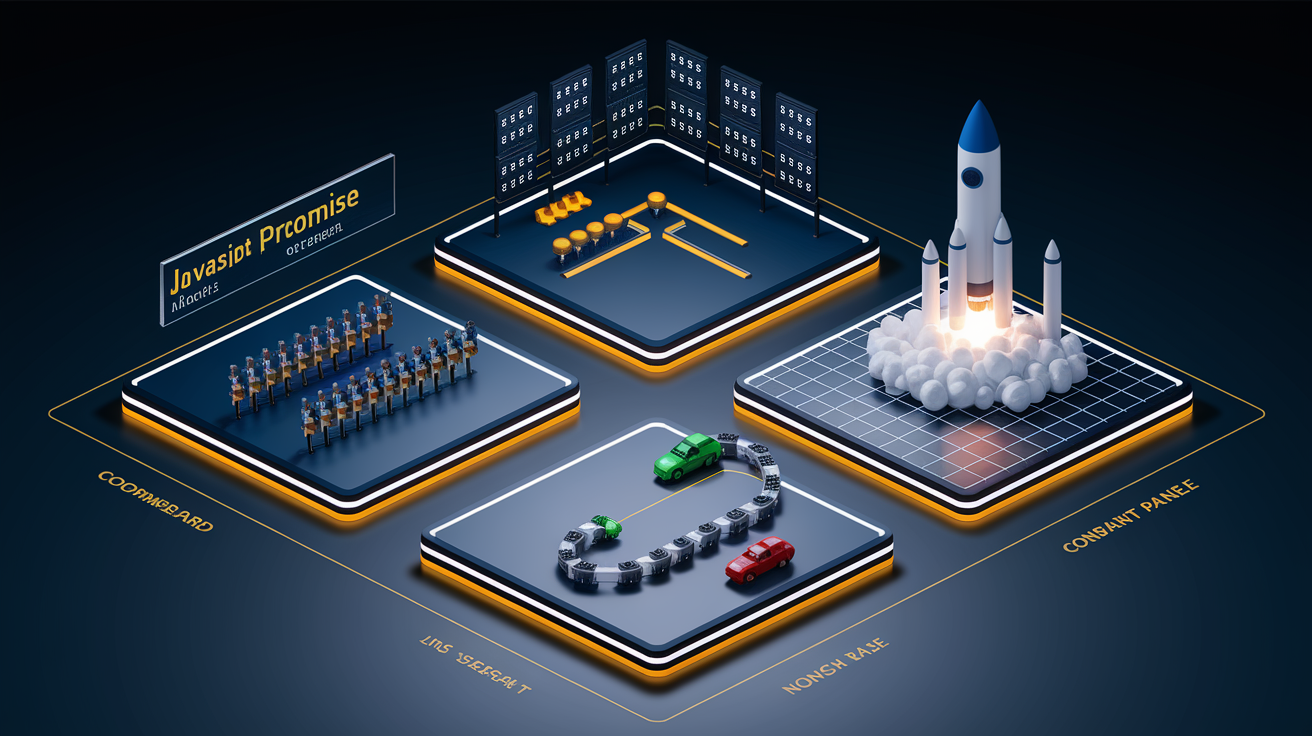
When you have multiple Promises and need to coordinate them, JavaScript provides four built-in helpers. Each one handles success and failure differently, so picking the right combinator depends on what you’re trying to accomplish.
Promise.all() waits for every Promise in an array to resolve, then gives you an array of all the results in the same order. If any Promise rejects, Promise.all() immediately rejects with that first error and ignores the remaining Promises. Use Promise.all() when you need every result and a single failure means the whole operation failed (like loading CSS, JS, and fonts before showing a page).
Promise.allSettled() also waits for every Promise to finish, but it doesn’t short-circuit on errors. Instead, it resolves with an array of objects describing each outcome. Each object has a status property (“fulfilled” or “rejected”) and either a value or reason. Use this when you want to attempt several tasks and handle each result individually, even if some fail (like sending analytics events to multiple endpoints).
Promise.any() resolves as soon as any Promise fulfills. If all Promises reject, it rejects with an AggregateError containing all the rejection reasons. This is useful when you have fallback options and only need one to succeed (like trying multiple CDN mirrors for a resource). Promise.race() settles as soon as the first Promise settles, whether that’s a success or a failure. Use race() for timeout patterns or when you genuinely want the fastest result and don’t care if it’s an error.
| Method | When It Resolves | When It Rejects | Notes |
|---|---|---|---|
| Promise.all | All Promises fulfill | First Promise rejects | Returns array of values in order |
| Promise.allSettled | All Promises settle | Never rejects | Returns array of outcome objects |
| Promise.any | First Promise fulfills | All Promises reject | Rejection is AggregateError |
| Promise.race | First Promise settles | First Promise settles | Can resolve or reject depending on winner |
Using JavaScript Promises with Real APIs (fetch and more)

The most common place you’ll encounter Promises in the wild is the Fetch API. When you call fetch(url), you immediately get a Promise that’s pending. That Promise resolves as soon as the browser receives the first byte of the response, not when the entire response finishes downloading. For large responses or slow connections, that distinction matters.
Once fetch() resolves, you get a Response object. To read the body, you call response.json() or response.text(), and those methods return another Promise. The second Promise doesn’t resolve until the browser has received the last byte. This streaming behavior lets you check headers and status codes before committing to download a huge file. If the status is 404, you can bail out early instead of waiting for megabytes of error HTML.
Typical Promise-based API workflows:
- fetch() then parse looks like fetch(url).then(res => res.json()).then(data => use(data))
- Axios chain looks like axios.get(url).then(response => response.data). Axios auto-rejects on HTTP errors
- Node.js fs.promises looks like fs.promises.readFile(path).then(buffer => process(buffer))
- Wrapping callback APIs looks like new Promise((resolve, reject) => fs.readFile(path, (err, data) => err ? reject(err) : resolve(data)))
Node.js used to rely entirely on callbacks (the error-first callback pattern), but modern Node includes Promise-based versions of most built-in modules under the /promises export. If you’re working with an old callback-based library, you can wrap each function in a Promise manually or use a helper like util.promisify to convert the entire API at once.
JavaScript Async / Await as Syntactic Sugar over Promises

The async and await keywords, added in ES2017, let you write asynchronous code that looks synchronous. When you mark a function as async, it automatically returns a Promise. Inside an async function, you can use await to pause execution until a Promise settles. That pause is non-blocking. The browser’s event loop keeps running, handling other tasks.
Under the hood, await is just .then() in disguise. When the JavaScript engine sees await myPromise, it registers a .then() callback, saves the function’s state, and lets other code run. When myPromise resolves, the engine resumes your function and assigns the resolved value to the variable after await. If the Promise rejects, await throws an exception, which you catch with a standard try/catch block.
Error handling becomes clearer with async/await because you use try/catch instead of .catch(). You can wrap multiple await calls in one try block and handle all their errors in one place. The .finally() equivalent is just putting code after the try/catch. It runs whether the try succeeds or the catch handles an error.
Safe await usage patterns:
- Always use try/catch around await calls that might reject
- Remember that await only works inside async functions (or top-level in modules)
- Don’t await inside loops if you want parallel execution. Collect Promises first, then Promise.all() them
If you write for (const url of urls) { await fetch(url); }, each fetch waits for the previous one to finish. That’s sequential. If you want parallel, do const promises = urls.map(url => fetch(url)); const results = await Promise.all(promises); instead.
Advanced JavaScript Promise Patterns (Cancellation, Timeouts, Concurrency)

Promises themselves don’t support cancellation. Once created, a Promise will settle eventually. But you can integrate AbortController with fetch() to cancel network requests. You create an AbortController, pass its signal to fetch(), and call controller.abort() when you want to stop the request. The fetch Promise rejects with an AbortError, which you handle like any rejection.
Timeouts are another pattern Promises don’t provide natively. You can build one by racing your main Promise against a timeout Promise. If the timeout resolves first, you know the operation took too long and can reject or return a fallback value. If the main Promise wins, you get the real result.
When you have dozens or hundreds of async tasks, running them all at once can overwhelm servers or browser connections. Sequential execution is safe but slow. Parallel with Promise.all() is fast but uncontrolled. A middle ground is concurrency control, where you run N tasks at a time. Libraries like p-map implement Promise pools that maintain a maximum concurrency limit and queue up tasks as slots become available.
Concurrency strategies:
- Sequential (for-await-of) means one task finishes before the next starts. Slowest but safest
- Parallel (Promise.all) means all tasks start at once. Fastest but can cause resource exhaustion
- Batched (chunk array, then Promise.all per batch) means process N items at a time. Good for fixed batch sizes
- Pooled (p-map or similar) means maintain N simultaneous tasks and queue the rest. Best for variable task durations
- Rate-limited (p-throttle) means enforce max operations per time window. Useful for API quota compliance
Choosing the right pattern depends on what you’re fetching. Small JSON endpoints can handle 10 concurrent requests. Large file downloads might need a pool of 2. Database inserts might need batches of 100 with a pause between batches.
Debugging JavaScript Promises and Understanding the Event Loop

When you debug asynchronous code, timing is everything. The event loop processes tasks in a specific order, and Promises use a priority queue called the microtask queue. Microtasks (which include .then() and .catch() callbacks) run before the next macrotask (like setTimeout or I/O callbacks). That’s why this code logs “1”, “3”, “2”:
console.log("1. Sync");
Promise.resolve().then(() => console.log("2. Microtask"));
setTimeout(() => console.log("3. Macrotask"), 0);
Even though setTimeout has a zero-millisecond delay, the Promise callback runs first because microtasks cut in line ahead of macrotasks. If you’re seeing logs appear in an unexpected order, check whether you’re mixing Promise chains with timers or I/O. The microtask queue might be reordering your expectations.
Stack traces with Promises used to be terrible. When an error happened three .then() calls deep, the stack trace showed only the .then() that threw, not the chain that led to it. Modern browsers have improved this, and libraries like bluebird offered long stack traces that stitch together the full async history. In production, those long traces have a performance cost, but during development they’re invaluable for tracking down where a rejection started.
| Task Type | Examples | Execution Timing |
|---|---|---|
| Microtask | Promise .then(), .catch(), .finally(), queueMicrotask() | Run after current script finishes, before next macrotask |
| Macrotask | setTimeout, setInterval, I/O callbacks, user events | Run one per event-loop tick, after microtask queue empties |
| Rendering | Browser paint, layout recalculation | Happens between macrotasks if needed |
If your Promise never resolves, check that you’re actually calling resolve() or reject() inside the executor. A common bug is creating a Promise and forgetting to settle it. The browser won’t warn you. The Promise just stays pending forever, and any .then() you attached never runs. Use breakpoints or console.log inside the executor to confirm it’s firing and reaching the resolve/reject calls.
Final Words
We jumped straight into how Promises work: pending, fulfilled, rejected, and how resolving or rejecting affects .then/.catch/.finally. You saw how to create Promises, chain results, and handle errors.
We compared callbacks vs Promises, covered fetch and Promise combinators (all, race, any, allSettled), async/await, cancellation, timeouts, and debugging tips, plus patterns for wrapping callbacks when needed.
Treat a javascript promise like a little contract for future values. Start small, run the examples in your editor, and read chains top to bottom — you’ll build confidence fast.
FAQ
Q: What exactly is a Promise in JavaScript?
A: A Promise in JavaScript is an object representing the eventual result (success or failure) of an asynchronous operation, with three states: pending, fulfilled (resolved), and rejected, and it settles only once.
Q: Which is better, async, await, or Promise?
A: The better choice between async/await and Promise depends on the task: async/await makes sequential code cleaner, while raw Promises and combinators (like Promise.all) suit parallel or complex workflows.
Q: What are the three types of promises in JavaScript?
A: The three Promise types in JavaScript refer to states: pending, fulfilled (resolved), and rejected. A Promise moves once from pending to either fulfilled or rejected and then remains settled.
Q: Why is Promise better than callback?
A: Promises are better than callbacks because they reduce nested “callback hell,” enable readable chaining with .then, centralize errors with .catch, and make async control flow easier to follow and maintain.