

Think version control is only for big teams?
For solo developers, a tiny, consistent Git workflow is the fastest way to avoid lost work and messy histories.
Use a stable main branch, short-lived feature branches, and small, focused commits so you can rollback, reason, and deploy without drama.
This post walks you through clear commit rules, practical branching habits, and simple rebase-or-squash choices that keep your project readable and safe.
Follow this and you’ll move faster with less friction.
The Ideal Git Workflow for Solo Developers (Fast Start)

When you’re coding solo, your Git workflow needs to be fast, safe, and stupid simple. Start with a stable main branch and short-lived feature branches. Commit often with messages that actually make sense. Merge changes back into main quickly. Keep everything deployable. You don’t need the complicated multi-branch systems that teams use.
Think of main as your single source of truth. It’s always tested, always working. Need to build something or fix a bug? Branch off main. Work there with small commits. When it’s done and passing tests, merge back and delete the branch. Done. This keeps your history readable and your momentum going.
Consistency beats perfection here. Follow the same steps every time and you won’t accidentally overwrite your own work or create weird conflicts. Pick a merge strategy. Commit regularly. Push to a remote so you’re backed up.
Here’s what that looks like:
- Branch from main:
git checkout -b feature/short-desc - Commit small chunks with clear messages:
git commit -m "feat(auth): add token refresh" - Rebase onto latest main before merging:
git fetch origin && git rebase origin/main - Squash or merge after tests pass:
git checkout main && git merge --squash feature/short-desc - Delete the branch and push:
git branch -d feature/short-desc && git push origin main
Structuring High‑Quality Commits
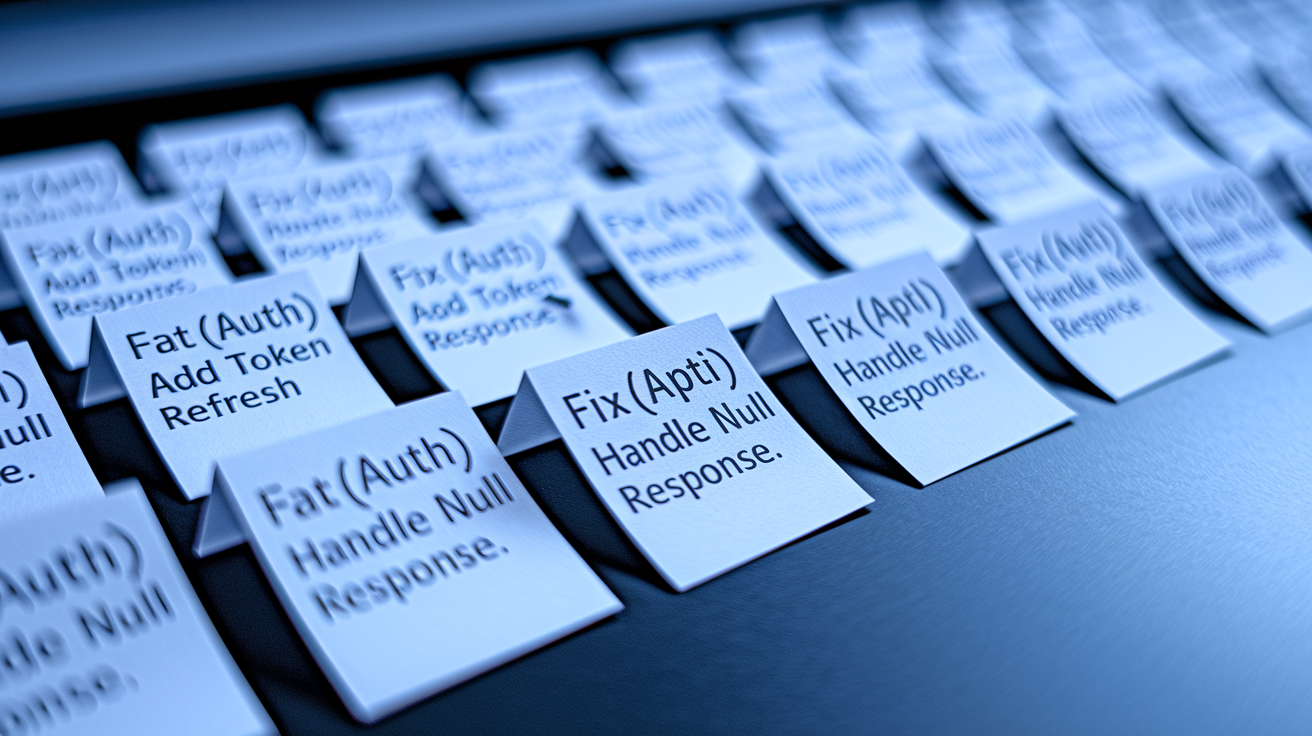
A good commit does one thing. One bugfix. One refactor. One tiny feature. That’s it. Atomic commits make debugging way faster because you can pinpoint exactly where something broke. And when you’re digging through your own work three months later trying to remember why you did something, you’ll be grateful.
Stick with a consistent message format. Imperative mood works best because it matches how Git itself talks. “Add login form” reads better than “Added login form.” Want more structure? Try Conventional Commits. Start with a type like feat, fix, chore, docs, or refactor, then add an optional scope and short summary: fix(api): handle null response in user endpoint.
Keep that first line under 50 characters. It stays readable in logs and UI tools. Need to explain more? Skip a line and write a body paragraph. Answer what changed and why. Fixing an issue? Reference it: closes #42.
Every commit should have:
- A type prefix (feat, fix, chore, whatever fits)
- A brief summary in imperative mood
- An optional body with reasoning or context
- Issue or ticket references when relevant
Practical Branching Strategies for Solo Developers

You don’t need GitFlow or any formal branching model. Trunk-based development with temporary feature branches is plenty. Main stays deployable. You branch only when building something that might break stuff. Tiny changes like fixing typos or updating docs? Those can go straight to main if you’re confident.
Feature branches should live for hours or maybe a few days. Not weeks. The longer a branch hangs around, the nastier your merge conflicts get when you finally bring it back. Commit frequently, rebase onto main every day or two, and merge the second your feature works. Delete it right after merging.
Name branches clearly. Something like feature/short-desc, fix/bug-name, or chore/task-name works fine. Using an issue tracker? Include the number: feature/123-add-search. Stick with lowercase and hyphens. Keep it short enough to type without wanting to scream.
Four things that’ll keep this smooth:
- Branch for anything that might break main
- Rebase onto main often to dodge big conflicts
- Merge and delete as soon as it’s tested
- Use a naming pattern so you can spot old branches fast
Merge vs. Rebase: Choosing the Right Approach

Merging and rebasing both combine changes, but they tell different stories. A merge commit keeps the full timeline of your work, showing when you branched and when you merged back. That context helps when debugging messy issues. Rebasing replays your commits on top of the latest main, giving you a clean linear history but erasing the branch structure.
For solo work, rebase usually wins. It keeps your history simple and cuts out the clutter of repeated merge commits. Before merging a feature branch, rebase it onto latest main so your changes stack cleanly. Then merge with a fast-forward or squash everything into one tidy commit. The sequence: git fetch origin, git rebase origin/main, then git checkout main && git merge --squash feature/xyz.
Save standard merges for when you want the full story of a complex feature. If you spent a week on a branch with dozens of commits, a merge commit shows that journey and gives you a reference point. But for daily work, squashing or rebasing keeps main clean without losing what matters.
Common Version Control Pitfalls and How to Prevent Them
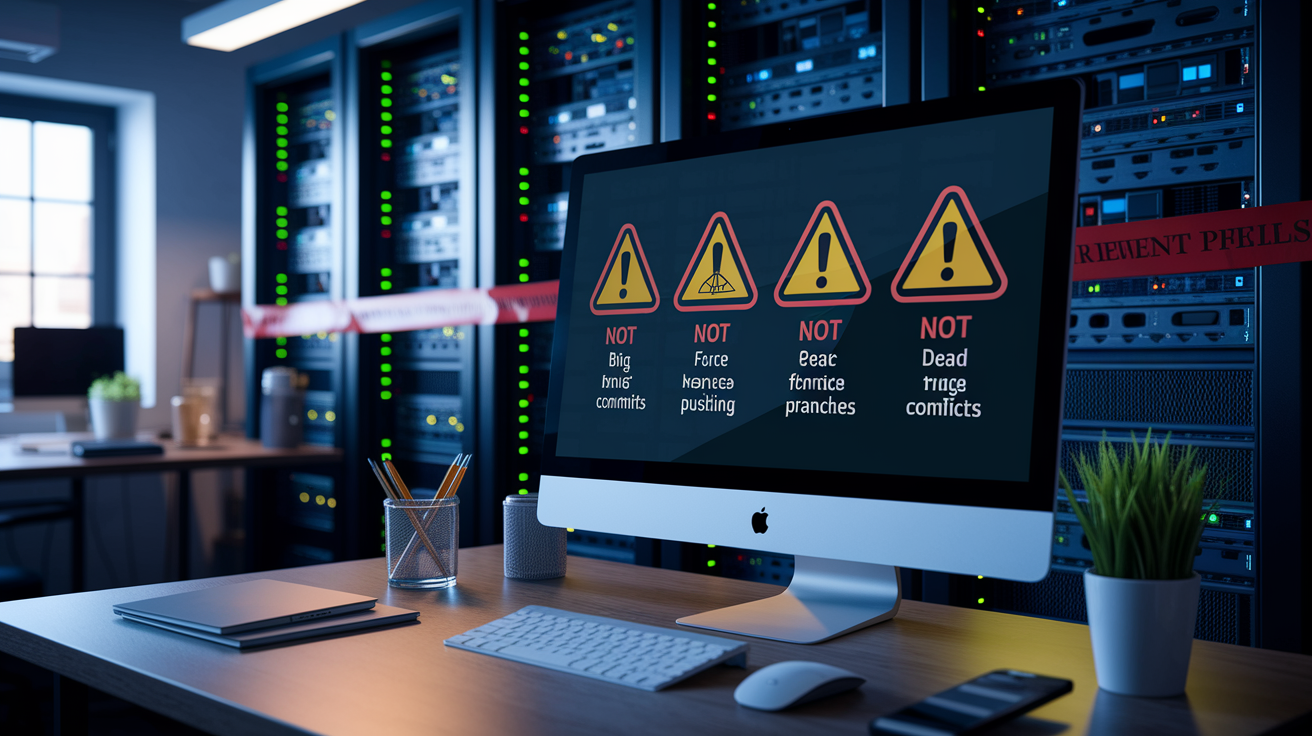
Big multi-purpose commits are a trap. When one commit fixes a bug, refactors a function, and updates docs all at once, it’s impossible to understand or revert. Split your work into focused commits. Forgot to commit incrementally? Use git add -p to separate changes before committing.
Not pushing to a remote is another mistake. If your machine dies or files get corrupted, unpushed work vanishes. Push at least once a day, or after any commit you’d hate to lose. Set up a remote with git remote add origin <URL> and push with git push origin <branch-name>.
Force-pushing carelessly can wipe out your own work on another machine. If you rebase and need to force-push, use git push --force-with-lease instead of git push --force. The --force-with-lease flag checks that nobody (including you elsewhere) has updated the remote since your last fetch.
And don’t leave dead branches lying around. After merging, delete locally with git branch -d <branch-name> and remotely with git push origin --delete <branch-name>. GitHub’s auto-delete option can handle this automatically. Regular pruning keeps things tidy and prevents confusion when you come back to a project later.
Final Words
in the action, you got a quick, usable Git workflow: trunk-based or short feature branches, small atomic commits, clear messages, and consistent merge or rebase choices. We covered how to structure commits, when to branch, how to pick merge vs rebase, and traps to avoid.
Use these version control best practices for solo developers commits branching and merging as a checklist: make tiny commits, keep main clean, prefer short-lived branches, and pick one merging policy. Do this and your repo will stay readable, debuggable, and calm. You’ve got this.
FAQ
Q: What is the ideal Git workflow for solo developers?
A: The ideal Git workflow for solo developers is trunk‑based with short feature branches, small atomic commits, clear messages, frequent integration, and keeping main always stable so deployments and rollbacks stay simple.
Q: How should I structure high‑quality commits?
A: High‑quality commits should be small, focused, and testable; each commit fixes one logical thing, includes a clear message, and can be reverted or bisected easily during debugging.
Q: What should a good commit message include?
A: A good commit message should include: 1) a short imperative summary, 2) a concise body explaining why, 3) scope or area, and 4) an optional issue or ticket reference.
Q: When should I create a branch and how long should it live?
A: You should create a branch for separate features or risky changes; branches should be short‑lived—merge or rebase back to main within days to avoid painful integrations.
Q: Should I merge or rebase my changes?
A: Choosing merge or rebase depends on preference: rebase keeps a linear history and is tidy; merge preserves contextual history. Pick one and apply it consistently across your workflow.
Q: Is rebasing rewriting history risky for solo work?
A: Rebasing rewrites history, so it’s safe for local or private branches; avoid rebasing commits already pushed and shared to prevent confusion and lost work in collaboration scenarios.
Q: How do I keep my main branch clean and deployable?
A: Keep main clean by testing locally before merging, using small reviewed commits, merging short‑lived branches quickly, and running basic CI or smoke tests before pushing.
Q: What common version control mistakes should I avoid and how?
A: Avoid huge commits, inconsistent branching, untested merges, and accidental overwrites by committing often, keeping branches focused, testing merges locally, and using clear commit messages for traceability.
Q: What simple workflow steps can I follow right now?
A: A simple 5‑step workflow: 1) create a short feature branch, 2) make small logical commits, 3) run local tests, 4) rebase or merge consistently, 5) push and keep main deployable.