
What if showing up at a set class time is actually holding you back?
Asynchronous learning lets you watch lectures, do readings, and join discussions when it fits your day instead of meeting everyone at once.
In this post you’ll get a clear, practical look at how asynchronous courses work, the two main models (instructor-supervised and fully self-paced), the typical study flow, and why flexibility plus replayable lessons help many learners succeed.
By the end you’ll know whether this style fits your schedule and how to make it work.
Core Explanation of Asynchronous Learning Models

Asynchronous learning lets students access lectures, readings, and assignments whenever their schedule allows. There’s no live class at a set time. No real-time instructor standing at the front of a Zoom room waiting for you to show up. Instead, you watch pre-recorded videos, work through reading tasks, submit assignments, and jump into discussion forums when it fits your day. The core idea? Learning happens at different times for each person, not all at once.
Two main asynchronous models show up in online education. First is instructor-supervised asynchronous learning, where an actual instructor grades your work and answers questions throughout a semester or quarter. The course follows a traditional academic timeline with set due dates, but you study and watch lectures on your own time inside that window. Second is fully self-paced asynchronous learning, where materials are pre-recorded and reused across multiple course offerings. You move forward by passing quizzes or tests, with limited direct instructor feedback. Some programs let you extend deadlines if you need extra time.
A typical asynchronous workflow starts when you log into the course platform. You watch a pre-recorded video lecture at whatever hour works for you. Morning, evening, late at night. After the video, you read assigned articles or textbook chapters, then post a response in the discussion forum. Over the next few days, you reply to classmates’ posts, complete a quiz to check your understanding, and start a guided project or research task. If you need help, you email the instructor or message teammates through collaboration tools. Everything moves forward without anyone needing to be online at the same moment.
Common asynchronous activities include:
- Watching pre-recorded video lectures and demonstrations
- Participating in threaded online discussion forums
- Completing quizzes and problem-solving exercises after lessons
- Working on independent or group research projects
- Emailing or messaging teammates to coordinate collaborative assignments
Key Characteristics of Asynchronous Learning Environments

Asynchronous learning environments share three core features. No consistent real-time instructor interaction, self-paced scheduling, and the ability to review and rewatch materials as many times as needed. When you take an asynchronous course, the instructor isn’t standing in front of a screen at a scheduled hour waiting for you to arrive. Content is already recorded and posted. You decide when to study, how long to spend on a topic, and whether to repeat a lesson. This time-shifted participation removes the pressure of being present at a specific moment. But it also requires you to manage your own calendar and deadlines.
Self-pacing lets you slow down on difficult concepts or speed through topics you already understand. If a math explanation confuses you the first time, you pause the video, rewind, and watch it again. You can take notes at your own speed, look up supplementary resources, and return to the lesson fresh the next day. Mobile-friendly platforms mean you can review content on a phone during a lunch break or on a tablet while commuting. Flexibility extends to when you submit assignments and participate in discussions. Most courses set weekly or bi-weekly deadlines rather than hourly meeting times.
A global study accessed in November 2025 identified the top three qualities students appreciate most about asynchronous learning:
- Ability to rewatch lectures until the material makes sense
- Easy access to course materials anytime from any device
- Flexibility to fit coursework around work schedules, family obligations, and time zones
Practical Examples of Asynchronous Learning in Action

Asynchronous learning uses a mix of media types that students can access independently. The most common is pre-recorded video lectures where an instructor explains a concept, walks through a problem, or demonstrates a process. Discussion forums let students post questions, share insights, and reply to classmates over several days rather than in a live chat. Independent projects and research assignments give learners time to investigate topics deeply without the pressure of a ticking class clock. Quizzes often appear after each video or module to check understanding before moving forward. Email and messaging tools coordinate group work, letting team members contribute on different schedules.
During 2020, when more than 1 billion students worldwide shifted to online learning, asynchronous tools saw explosive growth. Uploads of class recordings rose 522% year over year on major platforms. Users streamed over 3 billion minutes of lecture content. More than 37% of students who attended a live synchronous class later rewatched the recording asynchronously. That rewatch behavior shows how learners use asynchronous access to reinforce concepts, catch details they missed, or study at a more comfortable pace.
| Activity Type | Description |
|---|---|
| Pre-recorded video lectures | Instructor-led explanations, demonstrations, or walkthroughs you watch on your own time |
| Discussion forums | Threaded conversations where you post questions and replies over days, not in real time |
| Independent projects | Research tasks, writing assignments, or guided builds you complete solo at your own pace |
| Quizzes and assessments | Automated checks after lessons to confirm you understood the material before moving on |
Comparing Asynchronous vs Synchronous Learning Formats

Synchronous learning means everyone joins a live session at the same scheduled time. Like a Zoom call, Microsoft Teams meeting, or WebEx classroom. The instructor teaches in real time, answers questions immediately, and students interact with each other during the class. Asynchronous learning removes that shared clock. You access materials whenever you want. Interaction happens through delayed channels like forums and email rather than instant back and forth.
Asynchronous Strengths and Limitations
Asynchronous learning shines when you need flexibility. You can study at 6 a.m. before work or at midnight after putting kids to bed. If a concept confuses you, you pause, rewind, and watch again. That reviewability boosts retention because you control the pace. Flipped classroom models combine asynchronous pre-work with synchronous active learning. Studies from the Flipped Learning Network found that 71% of teachers reported improved grades and 80% saw better student attitudes when using this approach.
The main limitation? Less immediate interaction. If you hit a confusing point in a video, you can’t raise your hand and ask the instructor to clarify right then. You post a question in a forum or send an email, then wait hours or a day for a reply. That delay can slow momentum. You also miss the spontaneous discussions and social energy that happen when a group learns together in real time, which can lead to feelings of isolation or lower engagement.
Synchronous Strengths and Limitations
Synchronous sessions create instant connection. You see classmates’ faces, hear their questions, and get immediate feedback from the instructor. If someone asks a question you were also wondering about, you benefit right away. Live interaction builds relationships faster and keeps some learners more motivated because there’s a scheduled accountability moment. Instructors can read the room. If everyone looks confused, they adjust the lesson on the spot.
Synchronous learning struggles with logistics. Coordinating time zones is hard when students live across multiple regions. Technical problems like bad internet, frozen video, dropped audio disrupt the flow for everyone. If you miss the live session because of a work meeting or family emergency, you lose the real-time experience unless the session is recorded. When it’s recorded, that recording becomes an asynchronous resource, which shows how many programs now blend both approaches.
Hybrid or HyFlex models let students choose. Attend the live session synchronously, watch the recording asynchronously, or mix both depending on weekly schedules. This flexibility combines the benefits of both formats while reducing the drawbacks. For most online programs, a blend of asynchronous content and occasional synchronous check-ins produces the best outcomes. Learners get flexibility and community.
Benefits of Asynchronous Learning for Diverse Learners
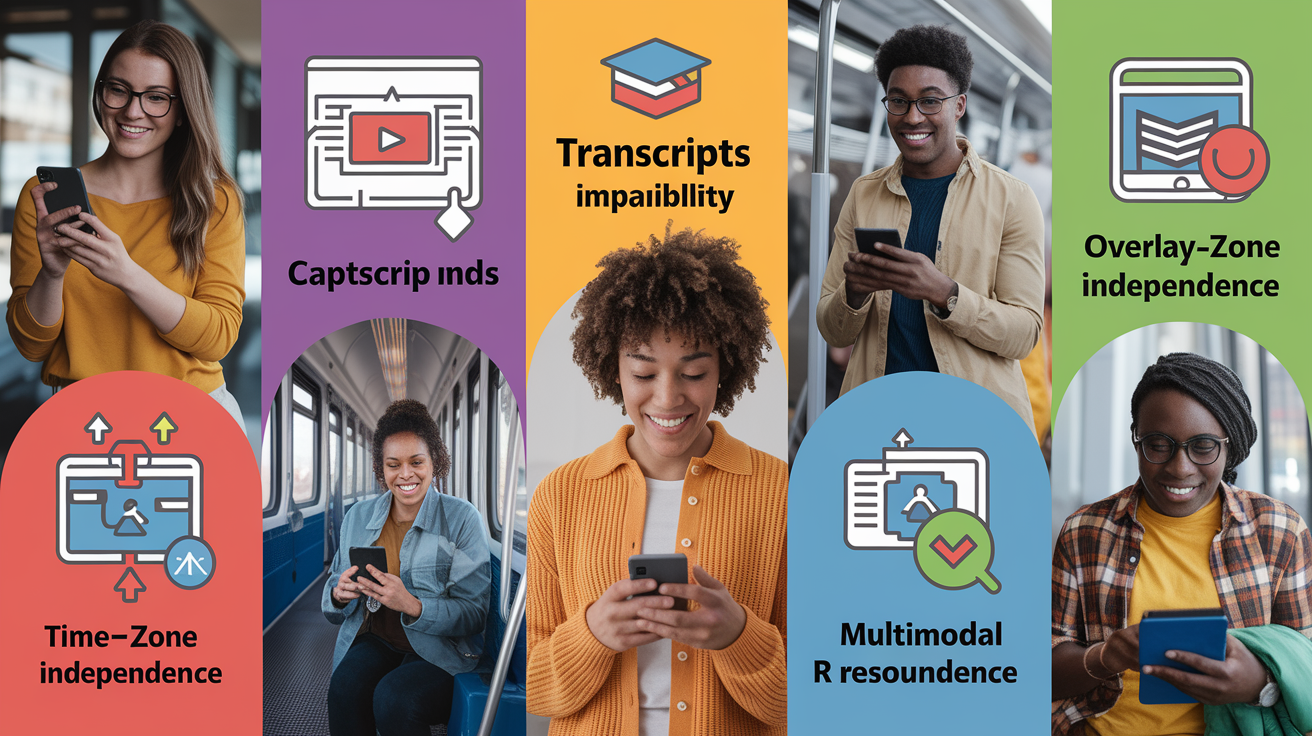
The biggest advantage of asynchronous learning is flexibility to fit education around your life instead of rearranging your life around a class schedule. If you work full time, take care of family members, or live in a time zone far from the instructor, asynchronous formats let you participate fully without sacrificing sleep or income. You study when your brain is alert and your obligations are clear, not when a fixed timetable says you must.
Self-paced mastery improves learning retention because you can take extra time on difficult topics. If a coding concept doesn’t click after one video, you watch it twice, read the documentation, try the example yourself, and revisit the lesson the next day. You’re not forced to move on just because the class period ended. That ability to review content as many times as needed helps knowledge stick. Students who rewatch lectures often perform better on assessments because they control the speed of instruction.
Asynchronous learning also supports accessibility and builds valuable workplace skills. Multimodal resources like video with captions, transcripts, slide decks, written guides accommodate different learning preferences and disabilities. Learners who are deaf or hard of hearing benefit from full transcripts. Non-native speakers can pause and look up unfamiliar words. By managing your own schedule, meeting deadlines without live supervision, and solving problems independently, you develop time management, attention to detail, and problem-solving skills that employers value in remote and hybrid work environments.
Challenges and Limitations of Asynchronous Learning

Asynchronous learning requires higher self-discipline and stronger time management skills than traditional or synchronous formats. Without a fixed class meeting, it’s easy to procrastinate or lose track of deadlines. Some learners thrive with that freedom. Others struggle to stay motivated when no one is watching. If you’re someone who needs the structure of a scheduled session to stay on task, fully asynchronous courses can feel overwhelming or isolating.
Limited real-time interaction makes it harder to build relationships with instructors and classmates. You miss the quick back and forth that clarifies confusion instantly. If you post a question in a forum, you might wait a day for a reply. By then your train of thought has moved on. Instructors can’t easily tailor instruction on the fly because they’re not in the room reading confused faces or hearing follow-up questions. That delay in feedback can slow learning, especially for complex or unfamiliar topics where immediate guidance helps. Self-taught tutorials or YouTube playlists aren’t the same as instructor-designed asynchronous courses. True asynchronous classes include structured assignments, graded work, and regular instructor feedback, not just a library of videos.
Common instructional or assessment challenges include:
- Risk of isolation and reduced peer engagement when interaction is only text-based and delayed
- Difficulty adapting content in real time to match learners’ actual comprehension levels
- Academic integrity concerns since open-book quizzes and unproctored assessments require careful design to ensure honest effort
Tools and Platforms Used in Asynchronous Learning
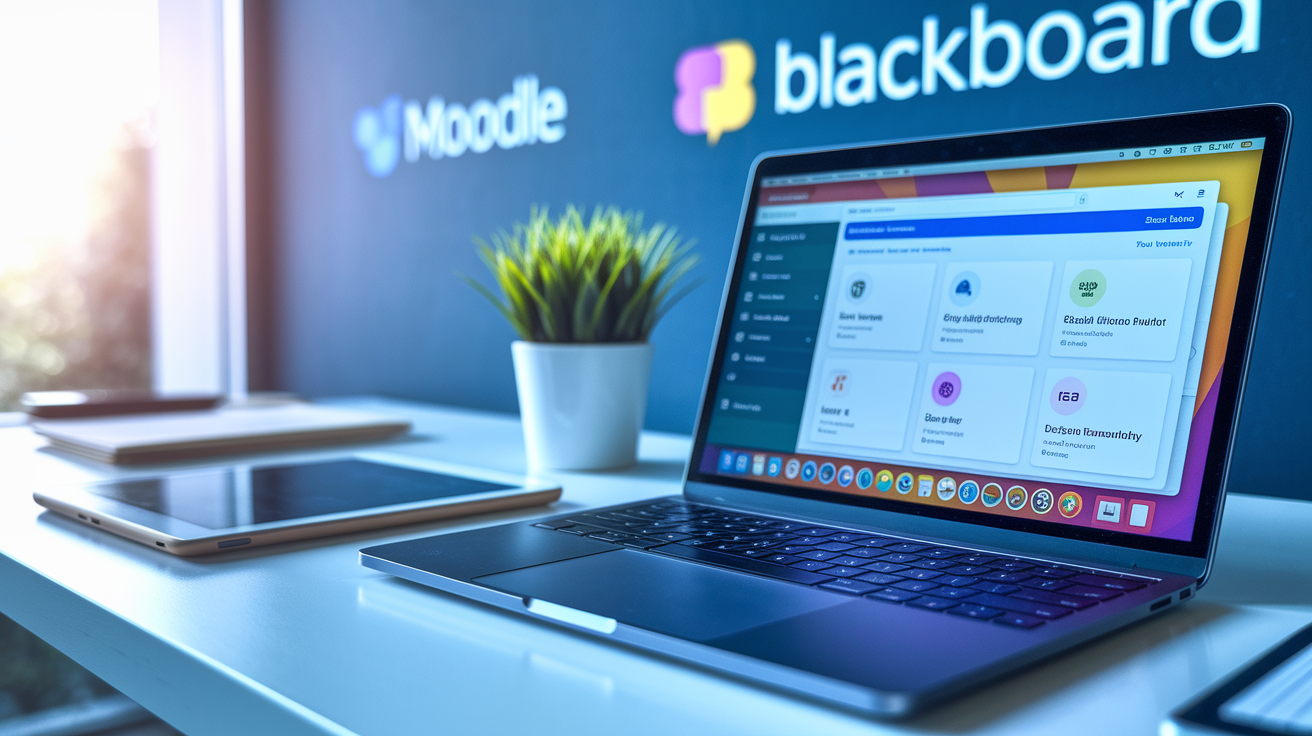
A learning management system (LMS) is the hub of most asynchronous courses. Examples include Moodle, Canvas, and Blackboard. The LMS organizes course materials, tracks deadlines, hosts quizzes, and provides gradebooks so you and your instructor can monitor progress. You log in, see the week’s modules, click through lessons in order, submit assignments, and check your scores. The LMS also powers discussion forums where you post questions and replies without needing everyone online at once.
Video platforms deliver pre-recorded lectures and demonstrations. Instructors upload videos to YouTube, Vimeo, or the LMS’s built-in video player. Lecture capture tools record live sessions and post them for asynchronous viewing later. Messaging and email tools let you coordinate group projects and ask the instructor questions. Automated quiz engines inside the LMS check understanding after each lesson, giving instant feedback on multiple choice or short answer questions. Collaborative tools like shared Google Docs, Slack channels, or Microsoft Teams spaces let teammates contribute to group work on their own schedules.
Accessibility features are essential for inclusive asynchronous learning. Transcripts and captions make video content accessible to deaf or hard of hearing learners and to anyone studying in a noisy environment. Multiple content formats like text, audio, video support diverse learning preferences and help learners review material in the way that works best for them. Instructors use LMS dashboards to track who has watched videos, submitted assignments, or participated in forums, then reach out to learners who fall behind.
Four categories of essential asynchronous tools:
- LMS platforms for content delivery, grading, and progress tracking
- Video hosting and lecture capture systems for recorded instruction
- Discussion boards and messaging tools for delayed interaction
- Automated quiz engines and collaborative workspaces for assessment and group work
Designing Effective Asynchronous Courses

Effective asynchronous course design balances flexibility with structure, giving learners freedom to study on their own schedule while providing clear milestones and support to keep them moving forward.
Structuring Content for Clarity
Break course material into small, focused modules rather than long, unstructured video dumps. Each module should cover one concept or skill, last 10 to 20 minutes, and include a short quiz or reflection task at the end. This chunking approach, sometimes called microlearning, helps retention because learners can fit a single module into a lunch break or evening study session. Use scaffolded tasks that build on each other. Watch a video explaining a concept, read a short article, try a guided practice problem, then apply the skill in a small project. Clear navigation inside the LMS, numbered modules, and visible progress indicators reduce confusion about what to do next.
Ensuring Strong Feedback Loops
Formative quizzes after each video or reading confirm understanding before learners move forward. These low-stakes checks catch confusion early, when it’s easier to fix. Set regular instructor feedback windows. For example, announce that discussion forum questions will be answered within 24 hours on weekdays, and assignments will be graded and returned within one week. That predictability reduces anxiety and keeps learners engaged. Even in a self-paced course, establishing a rhythm of feedback prevents students from feeling abandoned.
Enhancing Engagement Without Live Sessions
Design structured discussion prompts that require more than “I agree” replies. Ask learners to compare two solutions, share a real-world example, or critique a sample project. Require students to post an initial response by Wednesday and reply to two classmates by Friday. That staggered timeline spreads interaction across the week and simulates the back and forth of a live conversation. Peer review activities, where students give each other structured feedback on drafts or projects, build community and improve work quality without requiring synchronous meetings.
Use LMS analytics and engagement dashboards to see who’s watching videos, completing quizzes, and participating in forums. If a learner hasn’t logged in for a week, send a quick check-in email. If many students stumble on the same quiz question, record a short clarification video and post it in the course announcement feed. Data-driven iteration improves course design over time and helps instructors spot problems before learners disengage completely.
Real-World Use Cases of Asynchronous Learning (Education + Corporate)

In higher education, lecture capture systems let professors record live classroom sessions and post them for students who missed class or want to review. Many universities now flip the classroom by assigning asynchronous video lectures as homework, then using in-person or synchronous time for active learning activities like problem solving, group work, or hands-on labs. Large online degree programs and MOOCs (massive open online courses) rely almost entirely on asynchronous delivery, giving thousands of students access to recorded lectures, readings, and automated assessments without scheduling a single live meeting.
K–12 schools adapted asynchronous learning during the 2020 pandemic shift and continue using it for hybrid models and remote learners. Teachers post weekly modules with video lessons, reading assignments, and discussion prompts. Students in different households complete work on their own time, then submit assignments through the LMS. Structured asynchronous units work well for subjects like history, language arts, and some science topics where hands-on labs can be replaced by video demonstrations or at-home experiments. Schools serving rural areas or students with complex schedules benefit from asynchronous flexibility.
Corporate training and professional development programs use asynchronous formats for onboarding, compliance training, and skill development. Employees watch recorded webinars, complete self-paced modules, and pass quizzes to certify competencies. Simulations and branching scenarios let learners practice decision making in realistic situations without needing a live instructor. Subscription platforms offer access to over 10,000 training programs from more than 350 companies and universities, letting organizations pick ready-made courses or build custom learning paths. Self-paced asynchronous training scales across global teams, accommodates shift workers, and reduces the cost of flying employees to in-person sessions.
Final Words
You’re tapping materials on your own schedule: pre-recorded lectures, discussion boards, quizzes, and guided projects. We defined asynchronous learning as access to lectures, readings, and assignments without real-time meetings, covered two common models, and ran through tools, benefits, and limits.
If you still wonder what is asynchronous learning, it’s that flexible, self-paced format that lets learners rewatch, reflect, and move forward on their own timeline.
Try a short module and notice the small wins—you’re already set to make it work.
FAQ
Q: What is the meaning of asynchronous learning?
A: The meaning of asynchronous learning is students access lectures, readings, and assignments on their own schedule without live meetings; it’s self-paced, flexible, and does not require real-time interaction.
Q: What is the difference between synchronous and asynchronous e learning?
A: The difference between synchronous and asynchronous e-learning is synchronous uses live, scheduled sessions (video calls) for real-time interaction, while asynchronous uses recorded materials and tasks students complete on their own schedule with delayed feedback.